Signal & cellular data
Signal & cellular data
View cellular network signal, turn your mobile data connection on or off.
INSTRUCTIONS & INFO
- Signal strength is displayed in the Notifications bar. Five white bars indicates full signal strength.
Note: To view the locations AT&T voice and data service can be used, see the AT&T Network coverage map.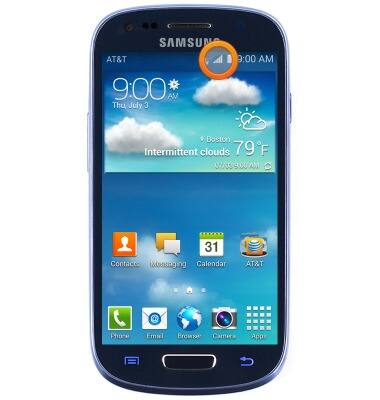
- The current data connection will be displayed to the left of the signal strength indicator. (3G, 4G LTE, etc.)
Note: Learn more about the AT&T network.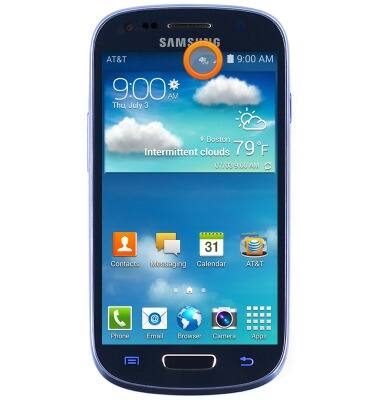
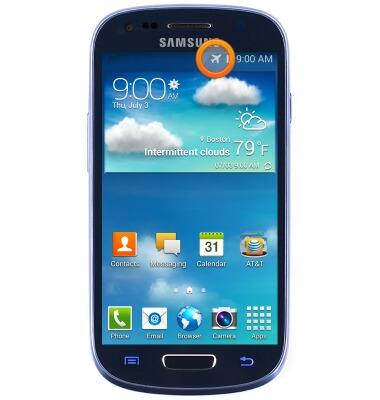
- An Airplane mode icon will appear in the Notifications bar while airplane mode is toggled on.
Note: Airplane mode disables all wireless services. Calls cannot be made or received. Toggle Airplane mode off to restore regular device function.