Set up personal email
Set up personal email
Add your personal email accounts so you can read and send email on your device.
INSTRUCTIONS & INFO
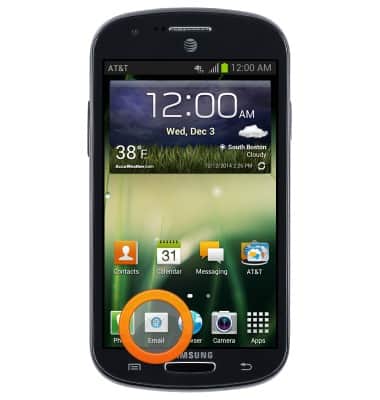
- From the home screen, tap Email.
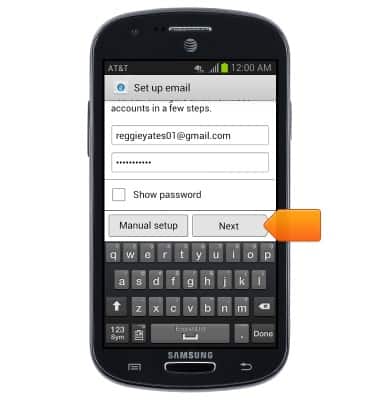
- Enter your email address and password, then tap Next.
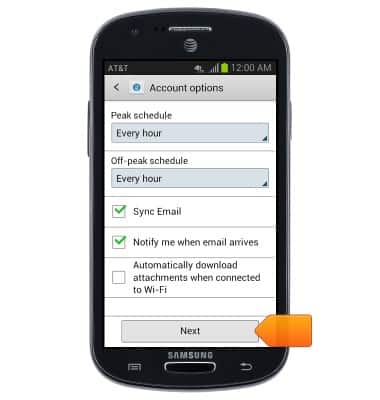
- Tap the desired synchronization options, then tap Next.
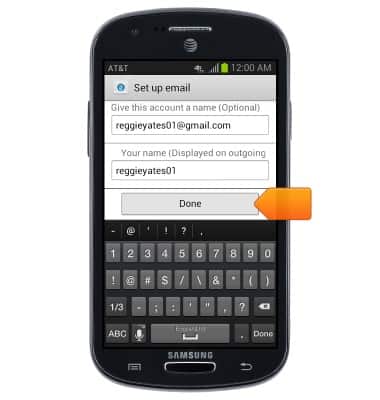
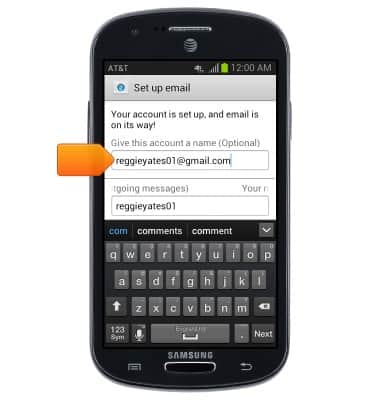
- Tap the Account name field to give your account a name.
- Tap the Your name field to enter your name to be displayed on outgoing messages.
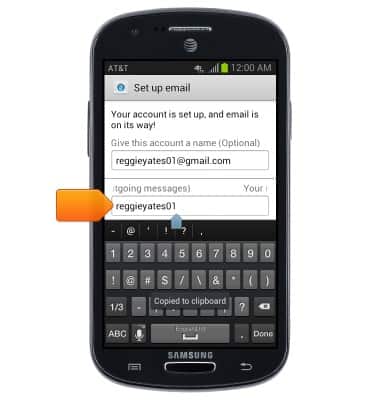
- Tap Done.