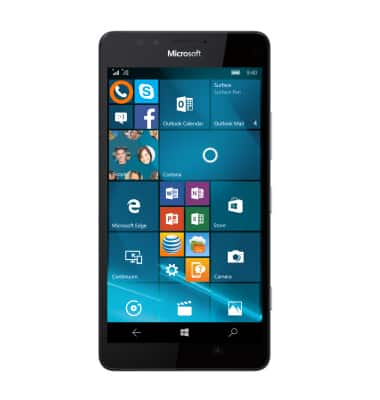
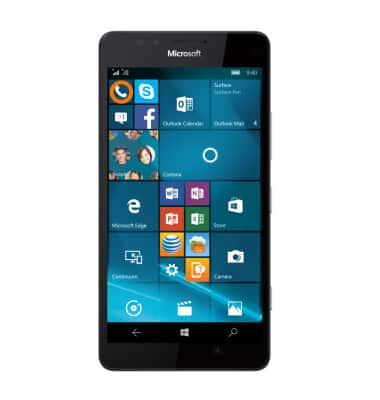
- To add a speed dial number, from the Start screen, tap the Phone icon.
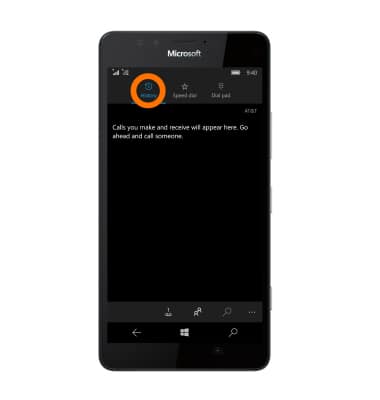
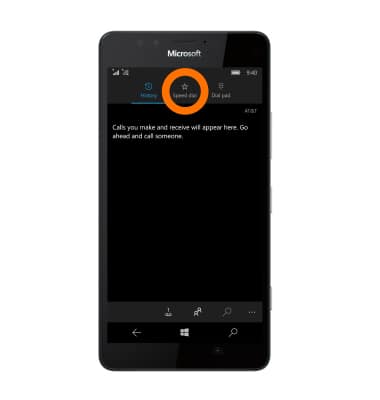
- From the History tab, tap the Speed dial tab.
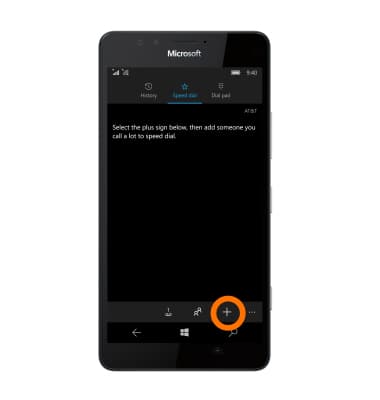
- Tap the Plus icon to add a contact to speed dial.
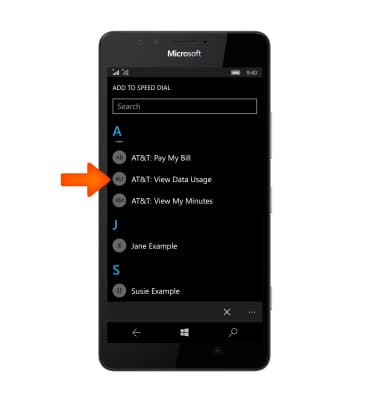
- Select the contact you would like to add to speed dial.
- To access speed dial, tap the Phone icon from the Start screen.
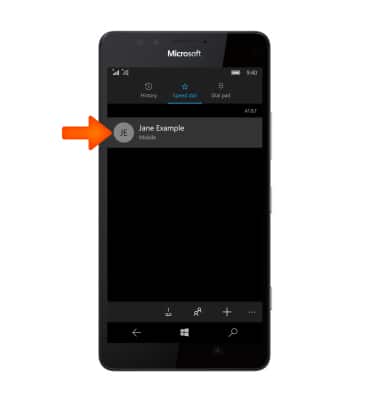
- Swipe right to speed dial.
- Tap the Desired contact.
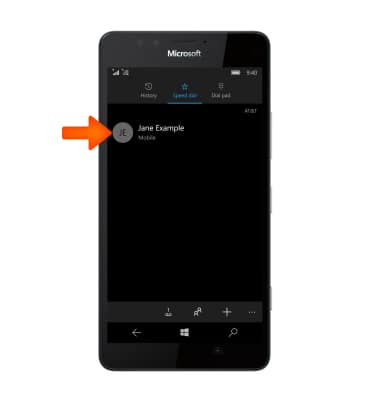
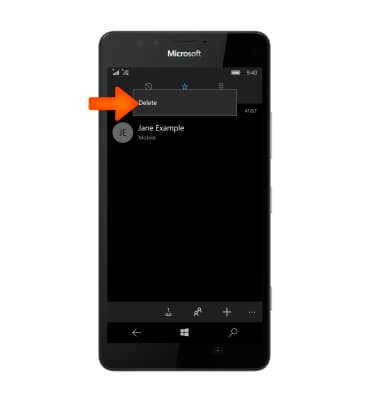
- To remove a contact from speed dial, touch and hold the Desired contact.
- Tap Delete.