DIRECTV
DIRECTV
How to open and use the DIRECTV app
INSTRUCTIONS & INFO
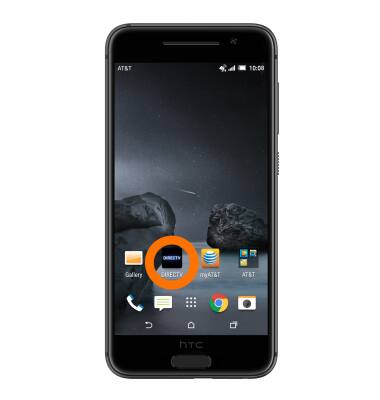
- Swipe to and tap the DIRECTV app.
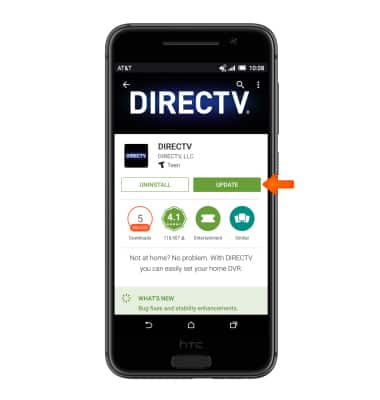
- You may be prompted to update the app. Tap UPDATE.
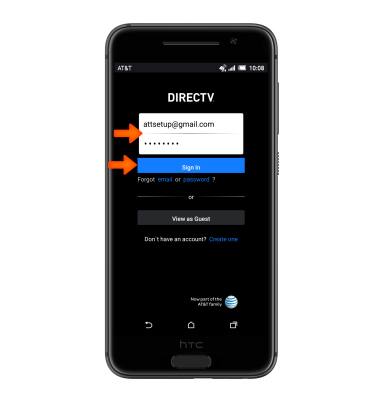
- Enter your DIRECTV login information, then tap Sign In.
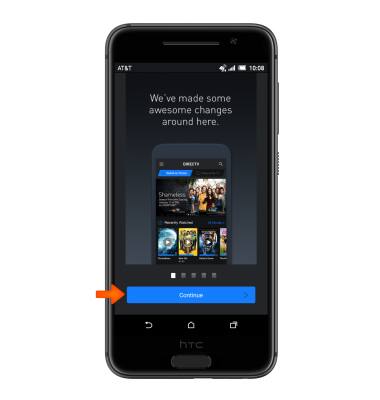
- Once signed in, follow the on screen prompts.
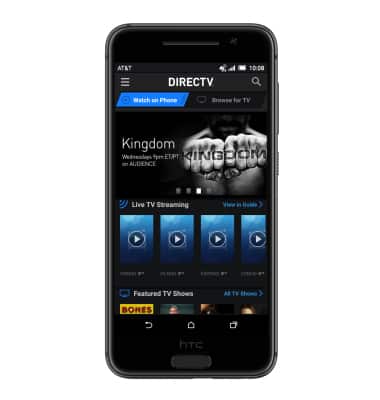
- To watch DIRECTV, select Watch on Phone or Browse for TV.
Note: For this tutorial Watch on Phone was selected.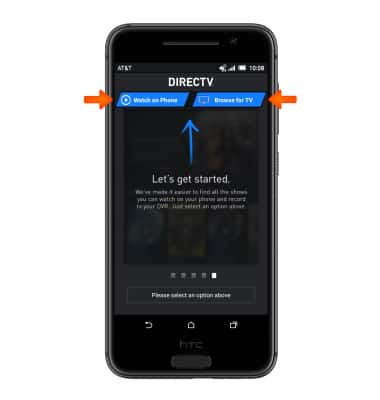
- Watch content as desired.