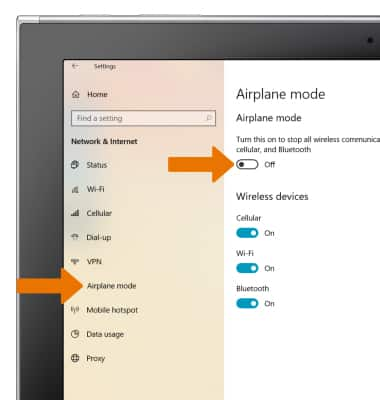
Airplane Mode
Airplane Mode
Airplane Mode disables all wireless services (calls, data and text messages) on the device. Disable Airplane mode to restore regular functions.
INSTRUCTIONS & INFO
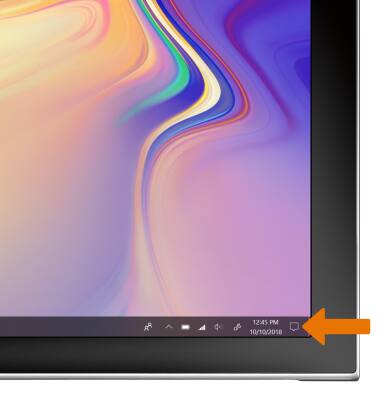
- TURN ON AIRPLANE MODE: From the home screen, select the Action Center icon.
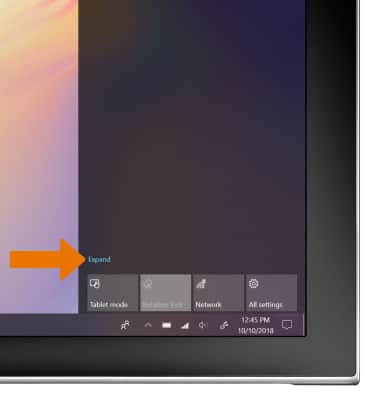
- Select Expand.
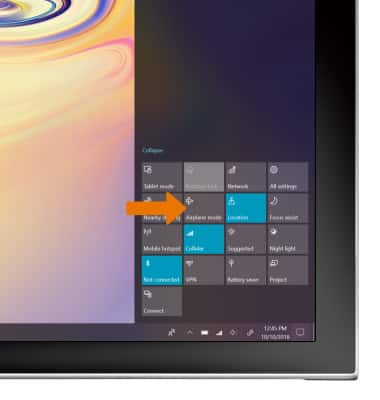
Select Airplane mode.
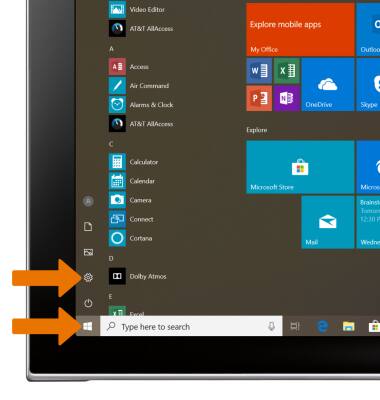
- TURN ON/OFF AIRPLANE MODE VIA SETTINGS: From the home screen, select the Start icon, then select the Settings icon.
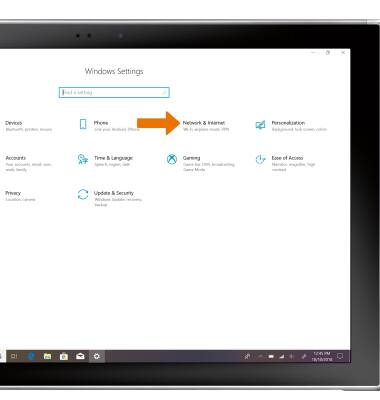
- Select the Network & internet.
- Select the Airplane mode tab, then select the Airplane mode switch.