Find IMEI & Serial Number
Find IMEI & Serial Number
View the device IMEI, phone and serial numbers.
INSTRUCTIONS & INFO
In this tutorial, you will learn how to:
• View IMEI
• View serial number
View IMEI
1. From the home screen, click the Quick settings panel then click the  Settings icon.
Settings icon.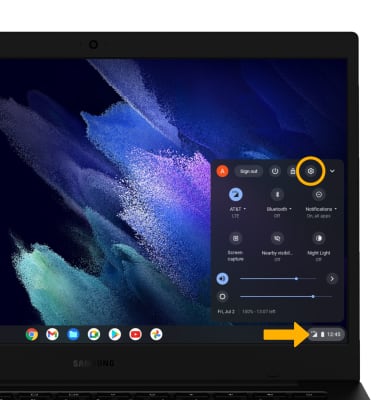
2. Click Mobile data.
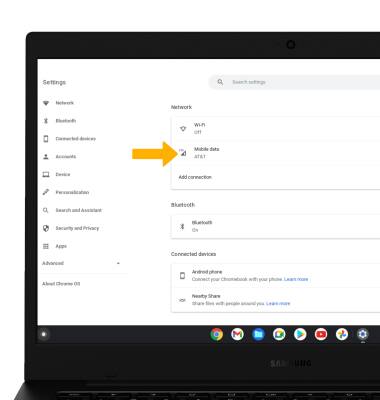
3. Click AT&T.
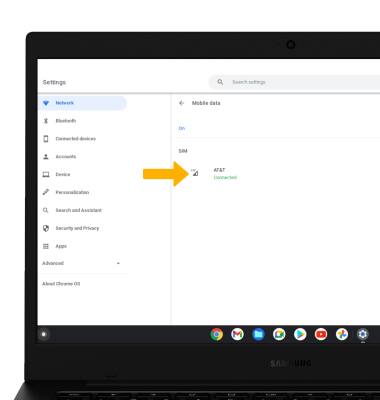
4. Click Advanced.
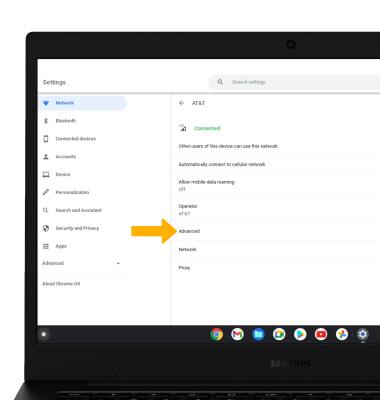
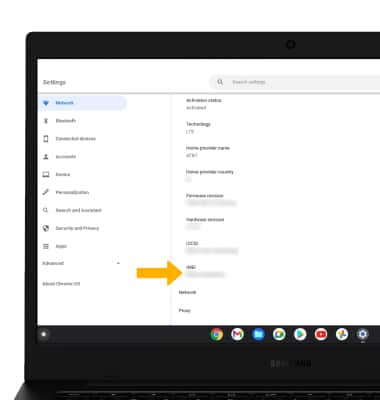
5. Scroll down to view the IMEI number.
View serial number
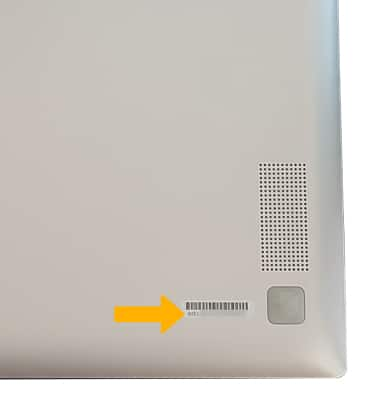
The serial number is located on the back of the keyboard.