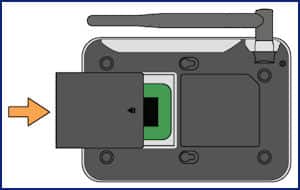
Insert SIM Card
Insert SIM Card
This article provides instructions for inserting the SIM Card for your device.
INSTRUCTIONS & INFO
Insert the SIM Card
1. Remove the battery cover.
2. Remove the battery.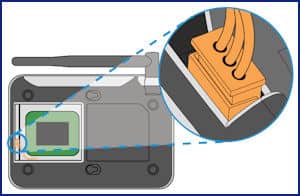
3. Insert or remove the SIM card.
NOTE: To remove the SIM Card, follow the below 4 steps in reverse.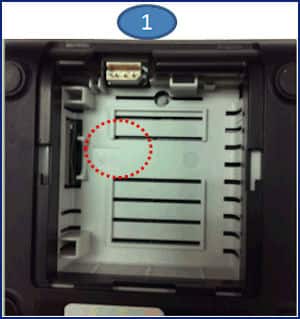


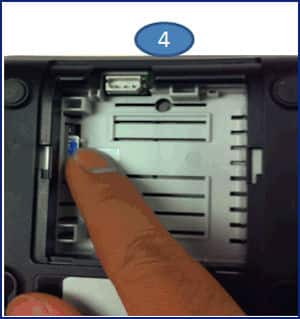
4. Install the Battery.
5. Replace the Battery Cover.