Secure My Device
This article describes how to set up a screen lock, lock and unlock the screen.
To learn more about requesting a device unlock for your AT&T mobile device so that it can operate on another compatible wireless network, visit www.att.com/deviceunlock. If your device is locked and is requesting a "PUK" code, click here for instructions on how to obtain your PUK or PUK2 code.
In this tutorial, you will learn how to:
• Set up security lock
Set up screen lock
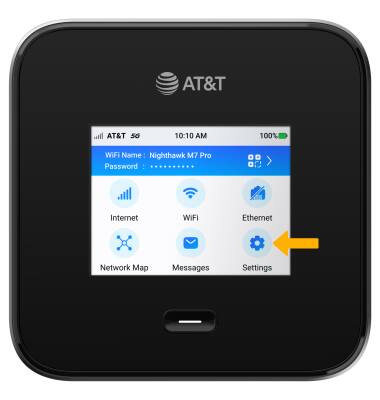
1. From the device home screen, select Settings.
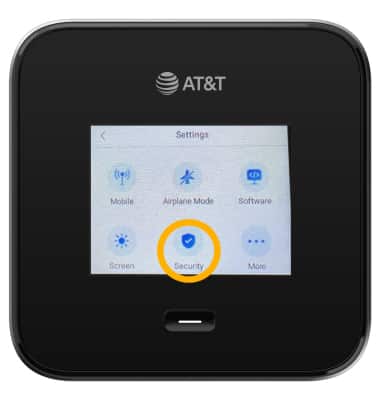
2. Select Security.
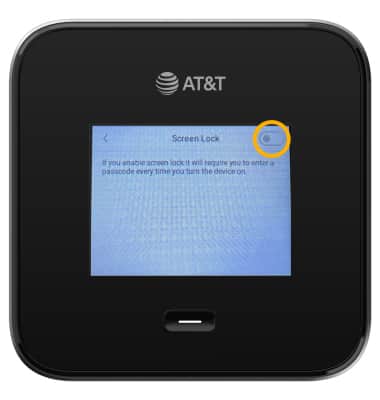
3. Select Screen Lock.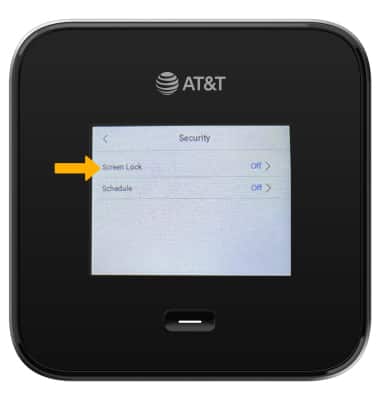
4. Select the Screen Lock switch and follow the prompts to complete set up.
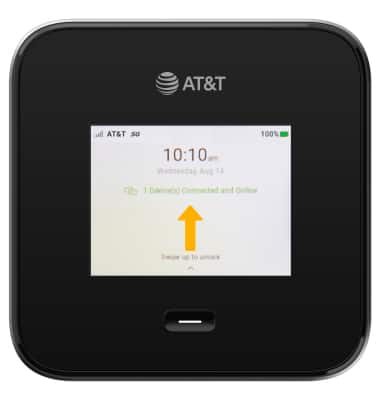
Log in using the screen lock
1. Swipe up from the device home screen.
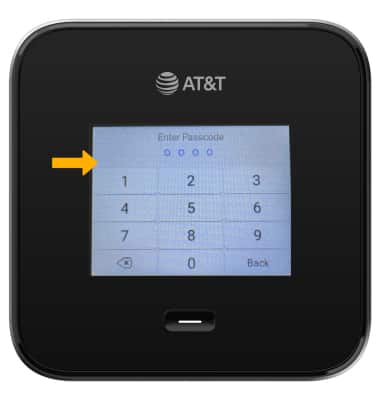
2. Enter the device passcode.
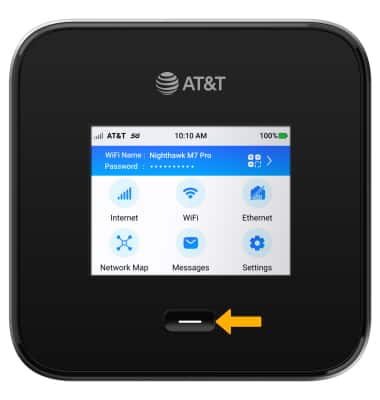
Lock device
Press the Power button on the front of the device.
Change lock screen device
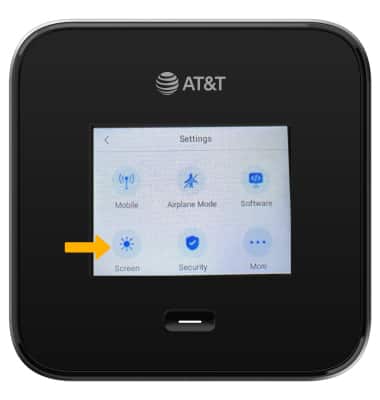
1. From the Settings screen, select Screen.
2. Select Screen Timeout.
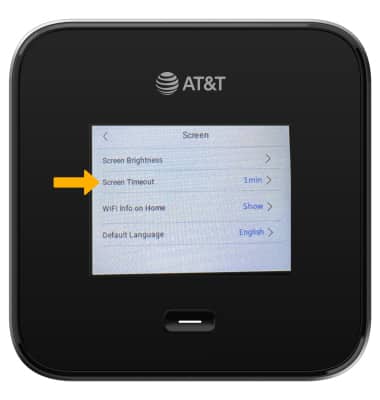
3. Select the desired setting.

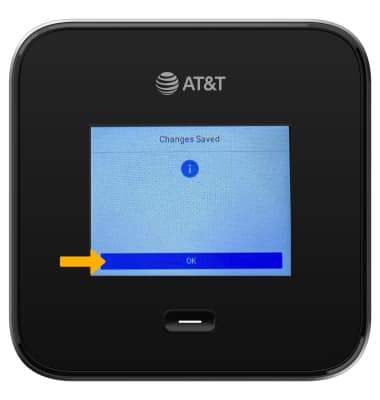
4. Select OK.