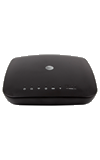
Determine your current device software version and check for updates.
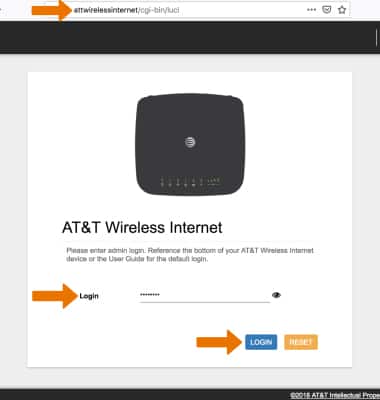
1. From a device that is connect to the AT&T Wireless Internet network, open the web browser and go to http://attwirelessinternet. Enter your Login then click LOGIN.
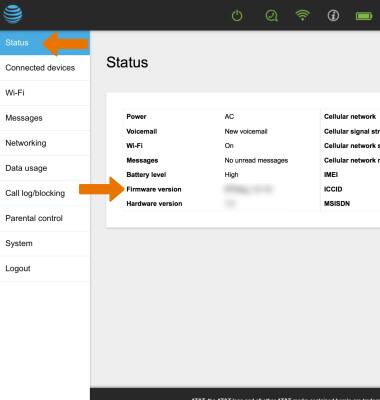
2. Click the Status tab. Software information will be displayed.
Note: To see if there is an update available for your device, check att.com/softwareupdates.
We use cookies to help enhance your experience on our site and for analytics. We also may use cookies for marketing purposes. You can manage your preferences and opt out of the sharing for targeted advertising and sales of cookie data.
Learn more about our approach to privacy at att.com/privacy.