Getting to know your device
- Wireless
- Device help center
- ATT
- All-Fi Extender 4971
- Getting to know your device
Getting to know your device


Front Service LED
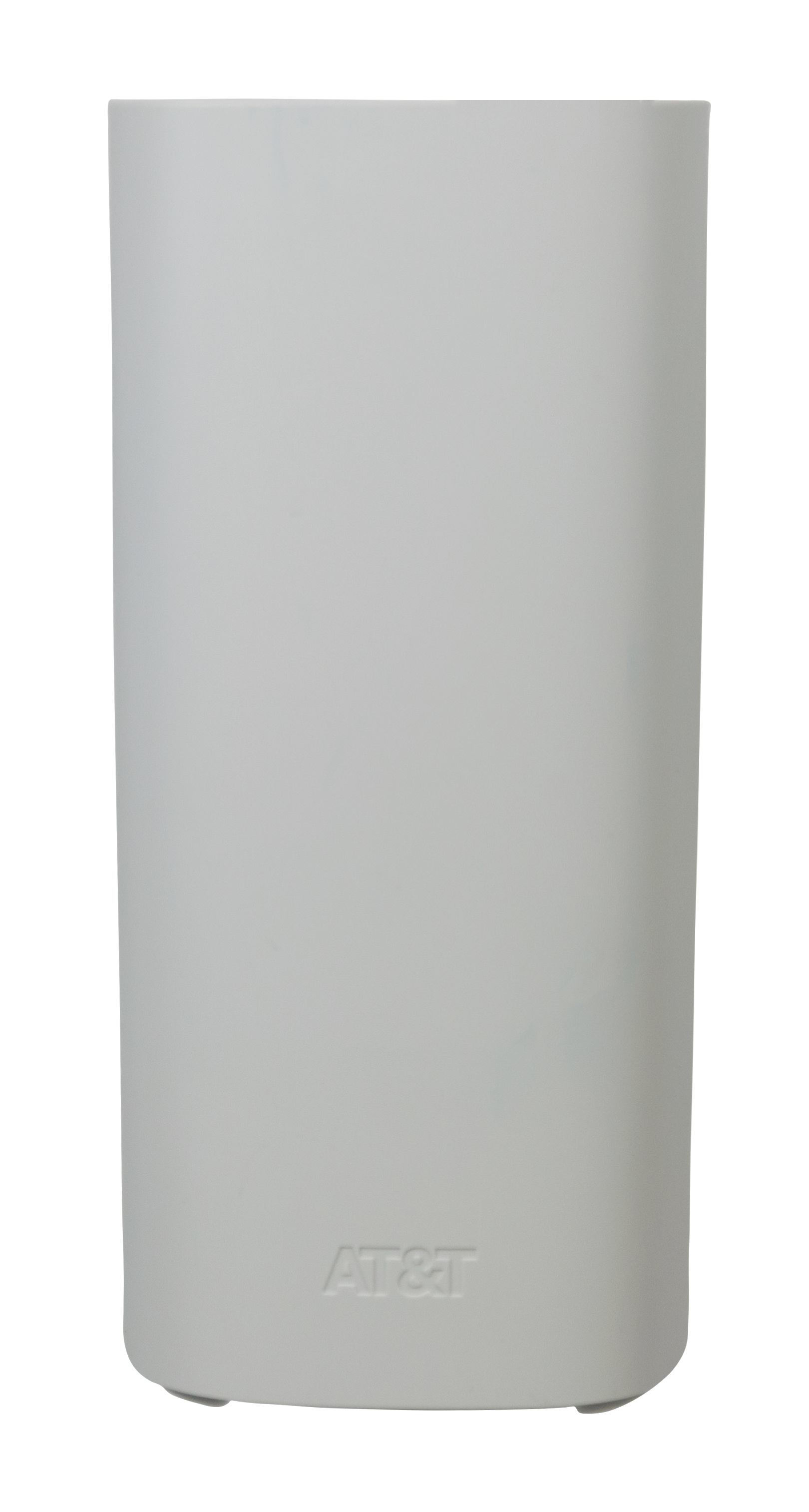
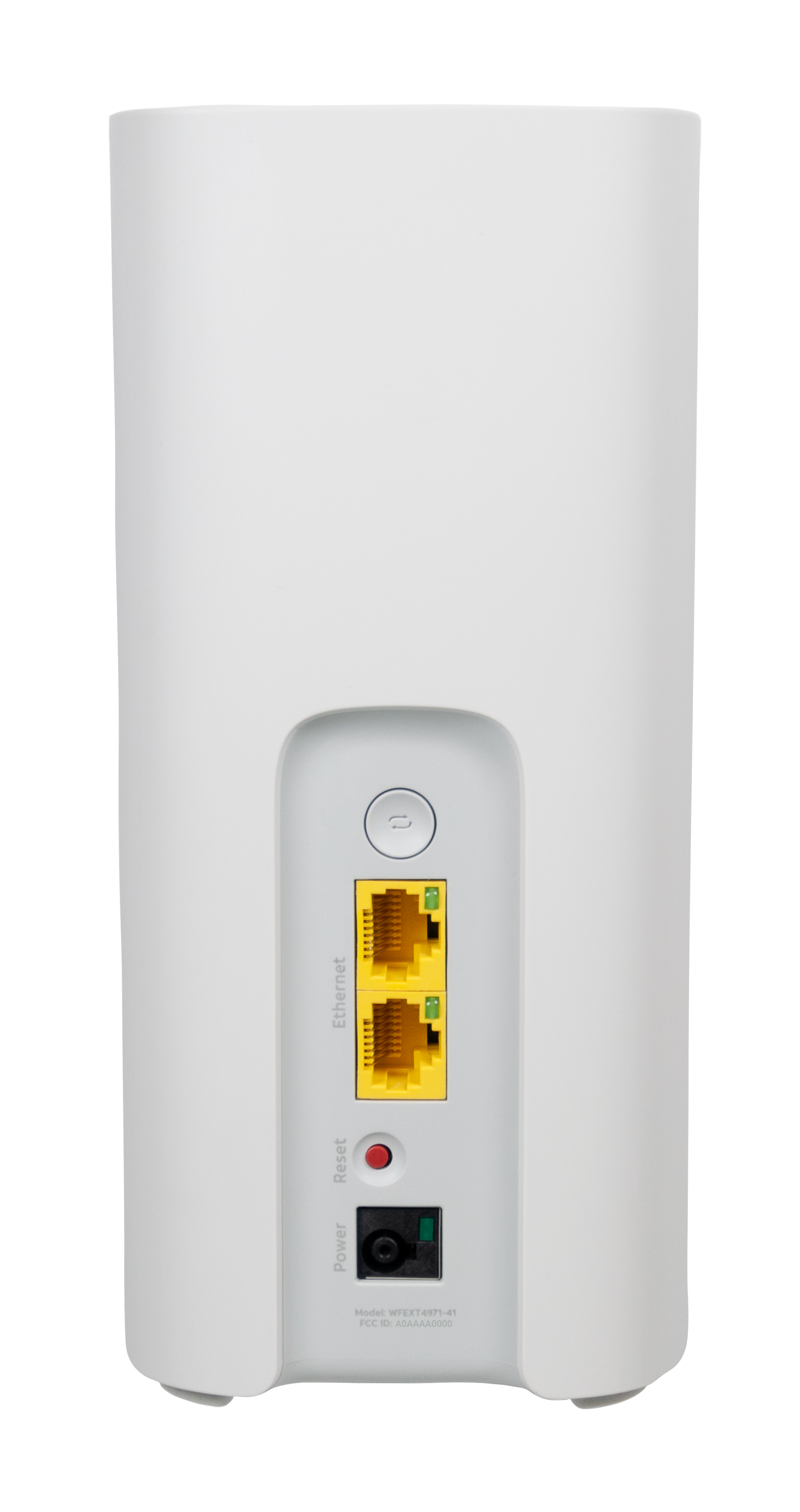
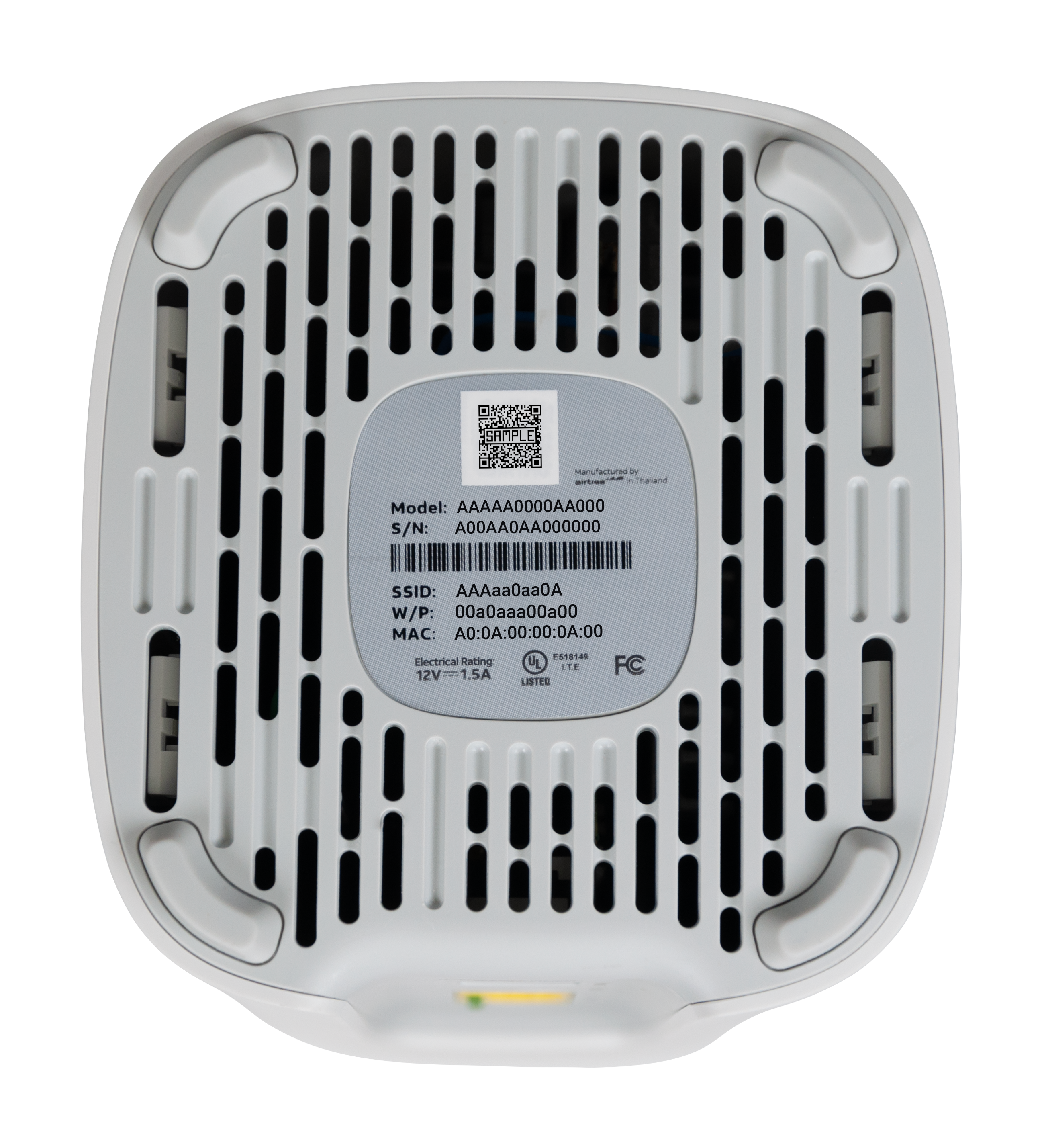
Indicates the connection status of your device.
- Off: No power, or the Wi-Fi Extender has been rebooted. Ensure the extender is plugged into a working outlet and that the power LED on the back is green.
- Solid White: Your Wi-Fi Extender is successfully connected. Enjoy your AT&T internet service!
- Blinking White: The Wi-Fi Extender is starting up or connecting to the hub’s Wi-Fi. Please wait during this process.
- Blinking Green (Slow): The device is powered on and waiting to pair.
- Solid Red: The Wi-Fi Extender failed to pair. It may be connected to a third-party router. Press the red reset button on the back of the extender, then connect an Ethernet cable between the Extender and Wi-Fi Gateway to pair. This may also indicate that Extended Wi-Fi Service is not active.
- Blinking Red (Slow): The Wi-Fi Extender is experiencing connection issues. Check for a loose, disconnected, or damaged Ethernet cable, or ensure it's within range of the Wi-Fi Gateway.
- Blinking Amber (Slow): Software is updating. Please wait until the light turns solid white. Do not unplug the Wi-Fi Extender during the update.
- Pulsing Red/Green (Fast): The Wi-Fi Extender is set up and connected, but its placement may not be ideal for optimal performance. It could be too far from the Wi-Fi Gateway or another extender. Try moving it closer.
- Blinking Red (Fast): The Wi-Fi Extender has been rebooted. Please wait for it to finish starting up until the light turns solid white, or follow the reboot sequence.