Block or unblock devices
Block or unblock devices

This article describes how to block/unblock devices from connecting.
-
From the home screen, tap Connected Devices.
Note: Whenever you block or unblock devices, the Wi-Fi radio resets to activate the new settings. Any devices connected to the mobile hotspot will be disconnected when the Wi-Fi radio resets.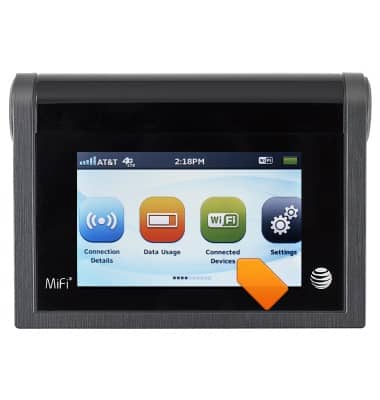
-
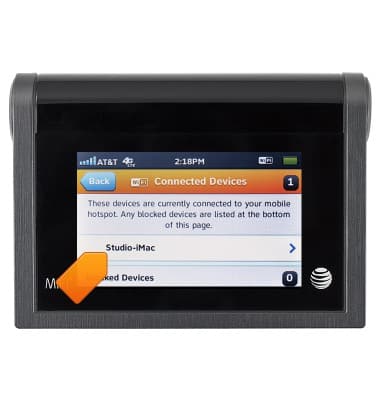
Tap the desired connected device.
-
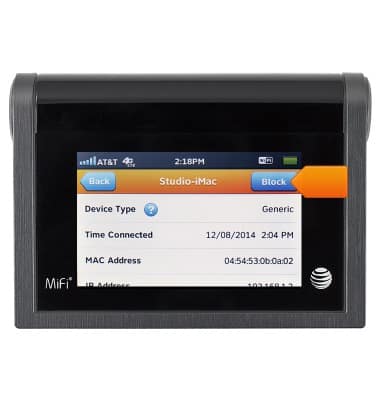
Tap Block.
Note: Tap 'Unblock' to unblock the connection.