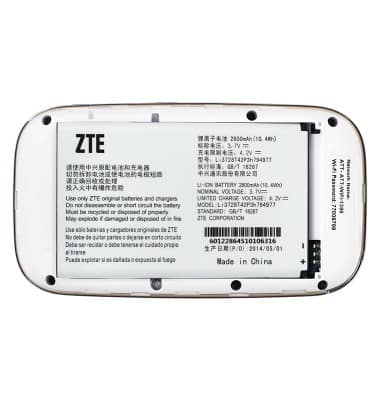
Power device on or off
Power device on or off

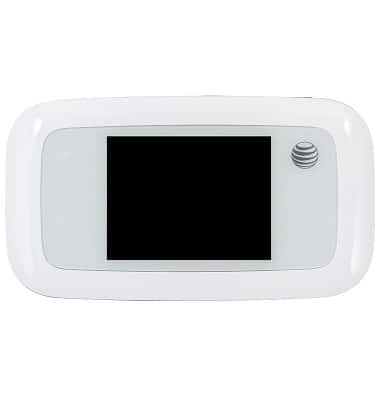
Turn your device on and off.
-
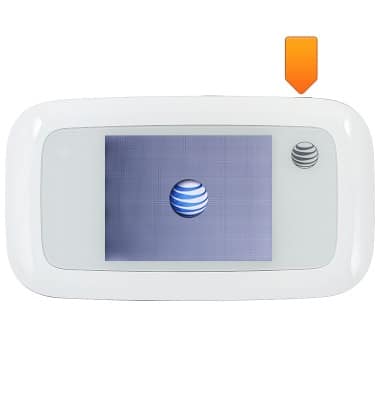
To turn the device on, press and hold the Power/Lock key until the screen lights up.
-
To turn the device off, press and hold the Power/Lock key.
Note: For GoPhone Users: Your device will have a different home screen showing ‘To check your data balance, go to att.com/mygophone’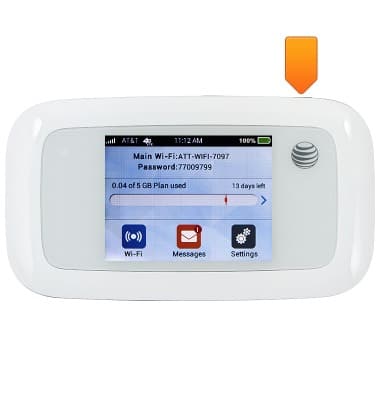
-
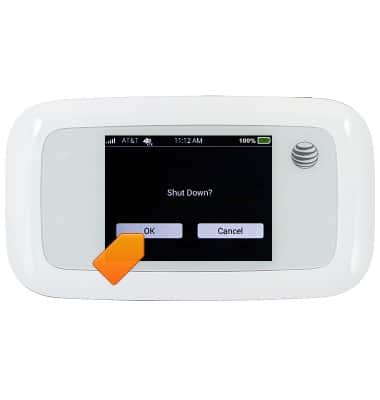
Tap OK.
-
If you are unable to turn your device on, plug it into a power source for 15 minutes, and then try again.
-
If you are unable to turn your device off with the Power key, remove and re-insert the battery