Limited or no connectivity
Limited or no connectivity

This article describes what to do if there is limited or no connectivity.
-
If there is limited or no connectivity between the Velocity and a connected device, conduct a Soft Reset. From any screen, press and hold the Power Key.
Note: For GoPhone Users: Your device will have a different home screen showing ‘To check your data balance, go to att.com/mygophone’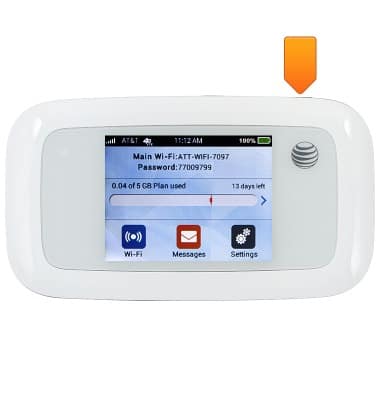
-
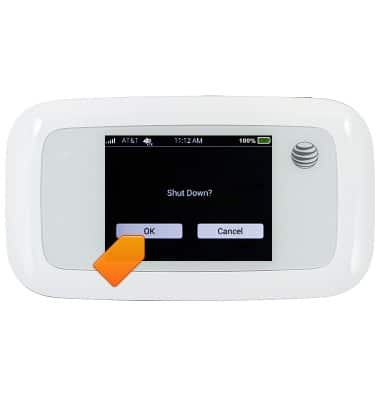
Tap OK.