Connect WPS devices
Connect WPS devices

Learn how to connect WPS devices.
-
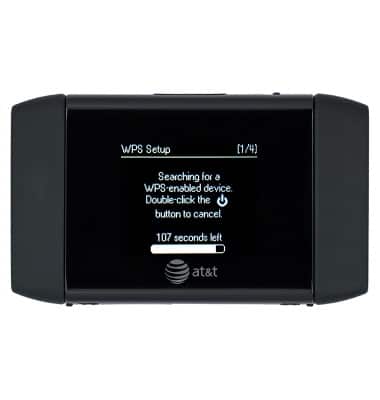
Wi-Fi Protected Setup (WPS) provides a fast, easy way to connect your WPS-enabled devices to your hotspot Wi-Fi network without having to manually enter the password.
-
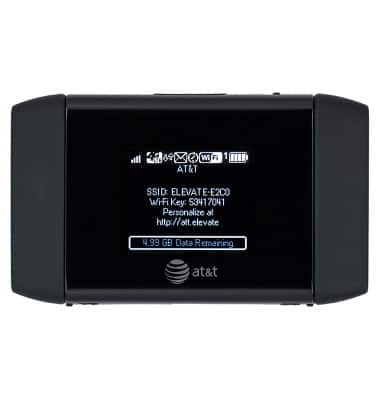
To utilize the WPS features on your device, press the Power/lock key.
-
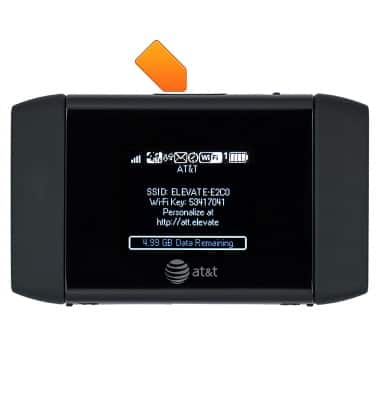
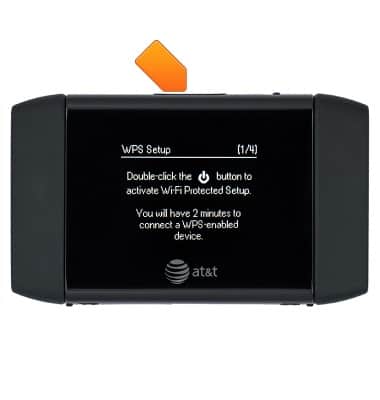
Double press the Power/lock key.
-
Your mobile hotspot and the wireless device will communicate and establish the connection.
Note: Refer to the user manual of the WPS-enabled device for additional instructions