This article describes how to connect the device to the internet using an Ethernet connection.
INSTRUCTIONS & INFO
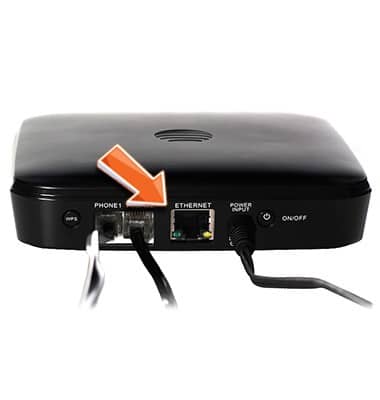
Connect an Ethernet cable (not included) from the Ethernet port on your computer (or other device) to the Ethernet port on the back of your AT&T Home Base.
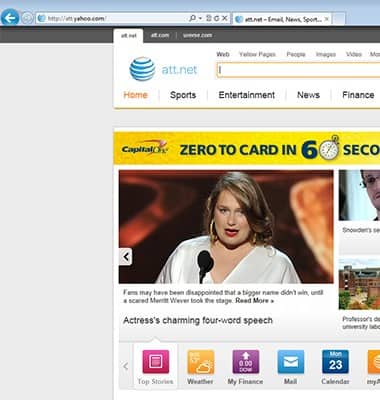
Go to att.net (or your favorite website) to confirm your Internet connection.
We use cookies to help enhance your experience on our site and for analytics. We also may use cookies for marketing purposes. You can manage your preferences and opt out of the sharing for targeted advertising and sales of cookie data.
Learn more about our approach to privacy at att.com/privacy.