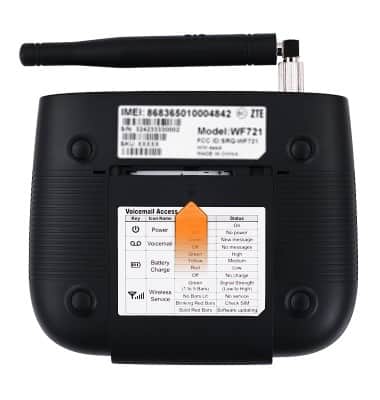
Install the Back-up Battery
Install the Back-up Battery

The back-up battery will power the Home Base for a period of time should the A/C power to the device be cut off.
-
Gently press down on the raised arrow on the battery cover, then slide it in the direction the arrow is pointing.
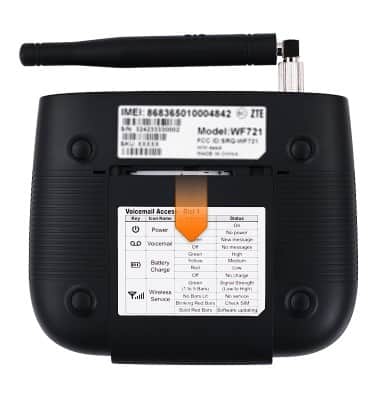
-
Insert the battery by aligning the gold contacts on the battery with the gold contacts on the device.
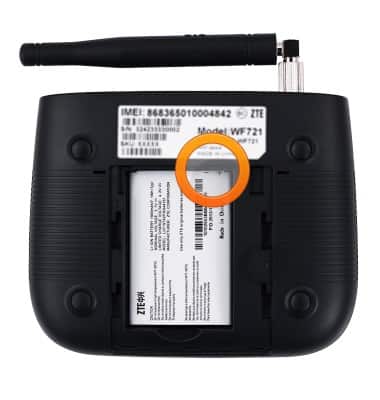
-
Replace the battery cover by sliding it back into place until it clicks.