Check the Wireless Signal
Check the Wireless Signal

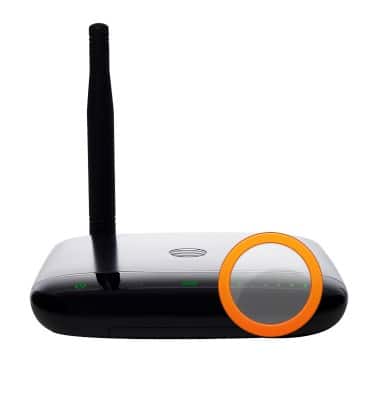
The signal LED on your device indicates the current wireless signal status.
-
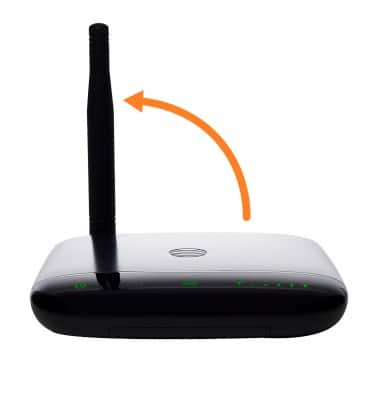
Raise the antenna to an upright position.
-
Check the signal strength. More green bars indicate a stronger signal.
-
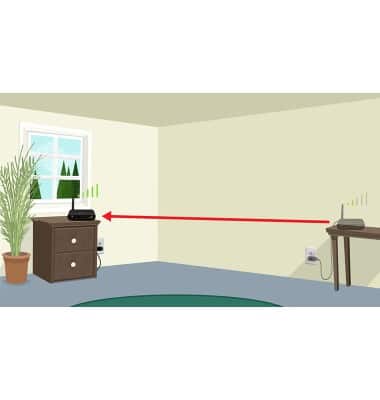
Signal strength may vary in different parts of your home. You can move your Wireless Home Phone device to a different location to find the strongest cellular signal, typically near a window or outside wall.