Connect WPS devices
Connect WPS devices

Learn how to connect WPS devices.
-
Wi-Fi Protected Setup (WPS) provides a fast, easy way to connect your WPS-enabled devices to your hotspot Wi-Fi network without having to manually enter the password.
-
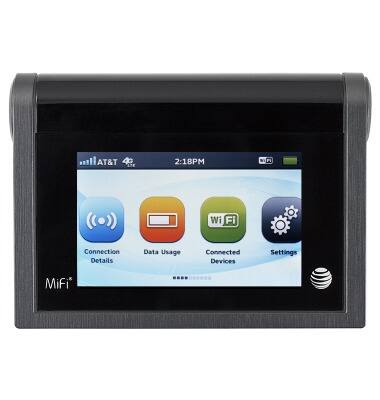
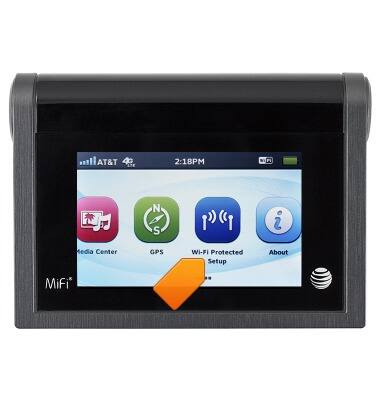
To utilize the WPS features on your device, from the home screen, swipe to, then tap Wi-Fi Protected Setup.
-
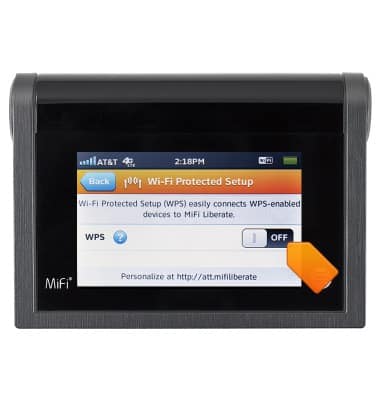
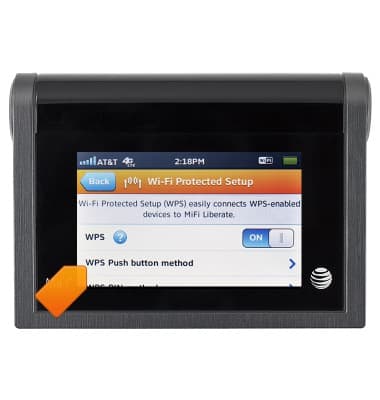
To turn on or off, tap the WPS switch.
-
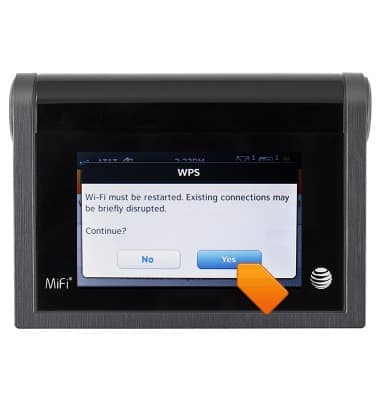
Tap Yes.
-
Tap WPS Push button method.
-
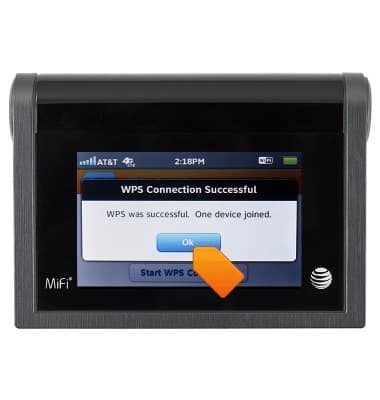
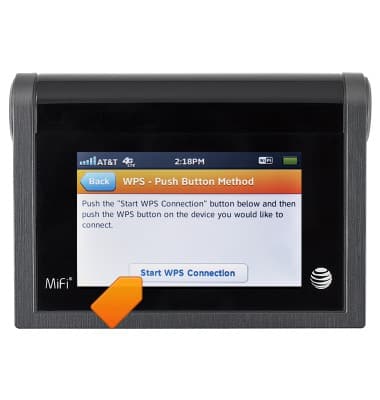
Tap the Start WPS Connection icon, then tap the WPS icon on the device you would like to connect.
-
Your mobile hotspot and the wireless device will communicate and establish the connection.