Connect Windows to Wi-Fi
Connect Windows to Wi-Fi

Learn how to connect to the hotspot using Windows.
-
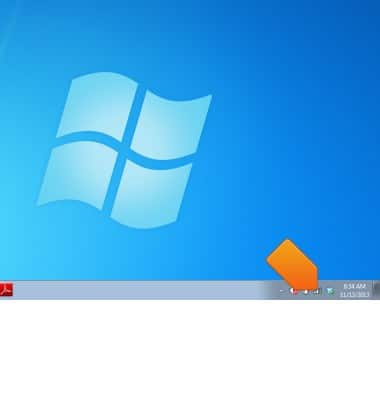
On the computer, click the Wireless network icon.
-
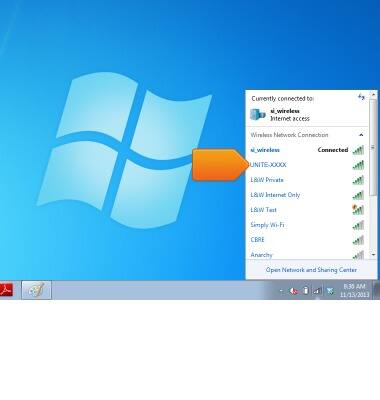
Click the Unite Pro Network.
-
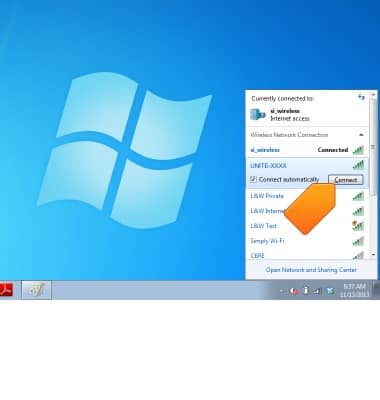
Click Connect.
-
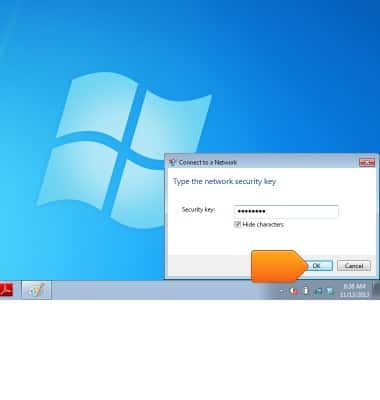
Enter the required password in the Security key field.
Note: The password is located on the device home screen.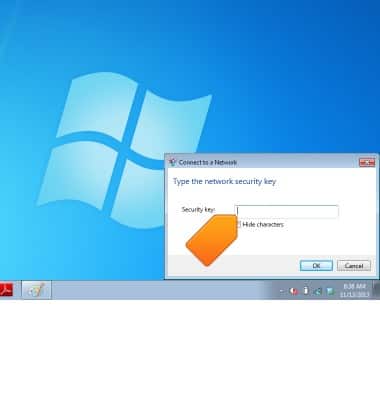
-
Click OK.