AT&T Wireless Internet Connection Issues
AT&T Wireless Internet Connection Issues

Try this if you cannot successfully connect to the AT&T Wireless Internet.
-
From your device, check that you are connected to the AT&T Wireless Internet network.
Note: The AT&T Wireless Internet network will display as ATT-WI-[xxxx].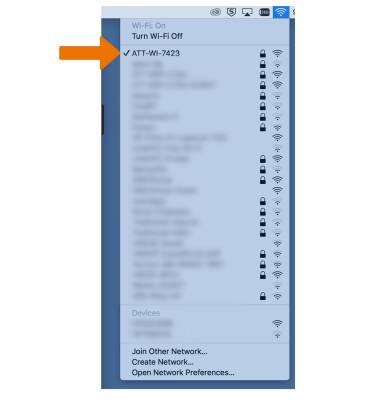
-
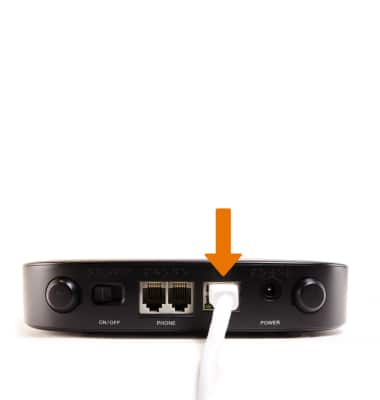
If connected via ethernet, ensure the ethernet cable is firmly attached to both the AT&T Wireless Internet and computer.
-
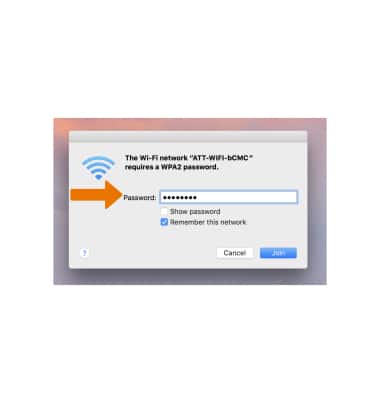
Make sure you entered the correct Wi-Fi password.
Note: Your Wi-Fi password can be found on the bottom of the AT&T Wireless Internet, if you have not changed it.