Device Setup
Device Setup

Set up your device for the first time or after having done a factory reset.
1. To setup your hotspot, press and hold the Power/Select button until Hello displays.
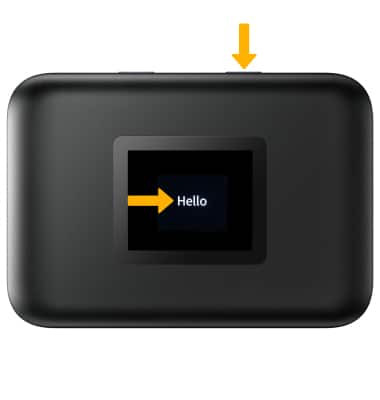
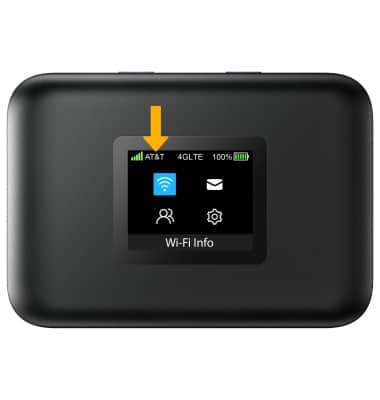
2. The device will take a moment to power on and connect to the AT&T Network.
What's in the box?
• AT&T PREPAID SIM Card
• 3,000mAh Battery
• Power Adapter
• USB-C cable
• QSG & Safety Information Guide