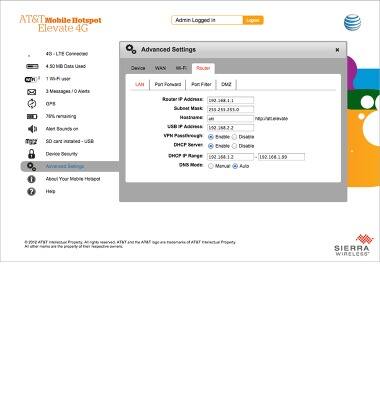
Elevate 4G Web Manager advanced settings
Elevate 4G Web Manager advanced settings

This article provides an overview of advanced settings.
-
From the Elevate Manager, click Advanced Settings.
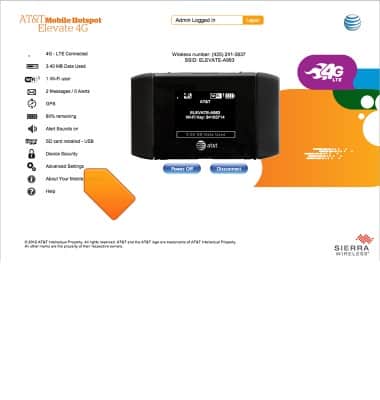
-
Under the Device tab, Basic will display basic hotspot settings.
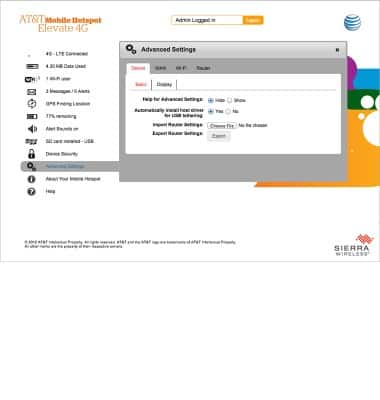
-
Display will show screen options.
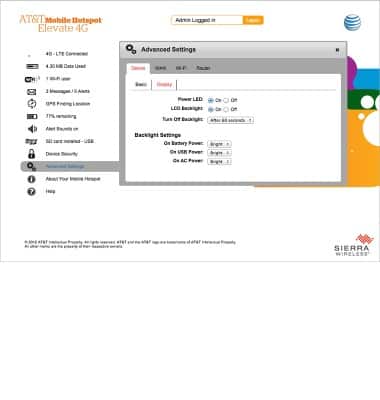
-
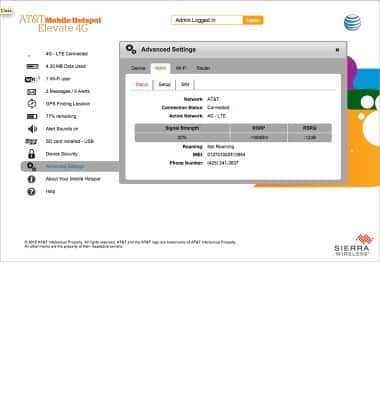
Under the WAN tab, Status will display the connection status of the device.
-
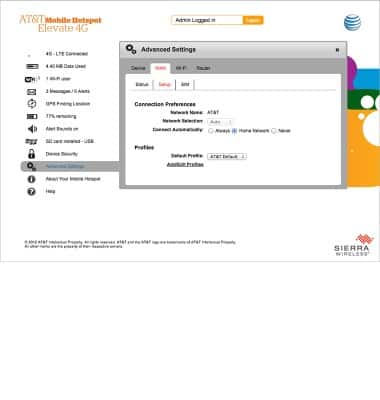
Setup will display connection preferences and profiles.
-
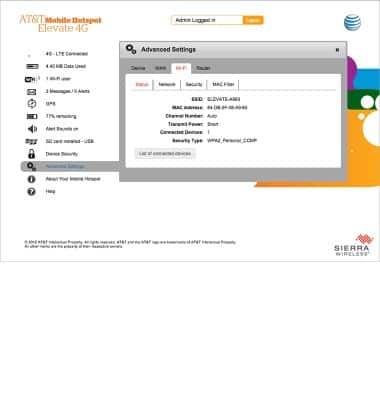
Under the Wi-Fi tab, the Status, Network, Security, and MAC Filter can be accessed.
-
Under the Router tab, router options can be accessed and edited.