Connect to AT&T Network
Connect to AT&T Network

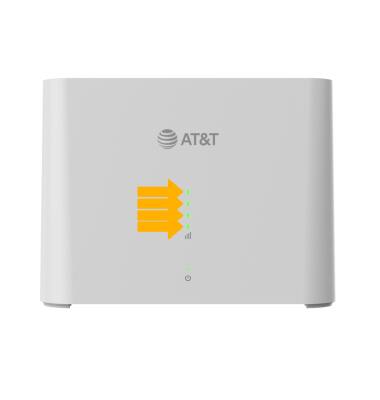
When your device is powered on, it automatically searches for and connects to the AT&T mobile broadband network. There are four cellular signal LED lights located on the front of the device. Wait for the device to power up. Once the gateway is powered up, the LED indicators will light up. The more green LED indicators that are displaying, the stronger the cellular signal.
Note: This device comes with a pre-installed SIM. For optimal placement, place your AT&T BGW830 on a higher shelf and near a window. Try to avoid placing the device near items that may interfere with wireless network signal, such as large appliances, microwaves, stone or concrete walls, metal cabinets, computer monitors or televisions screens. To learn more about the AT&T network, visit www.att.com/network.