Añadir y eliminar pantallas de inicio
V60 ThinQ 5G Dual Screen
Añadir y eliminar pantallas de inicio
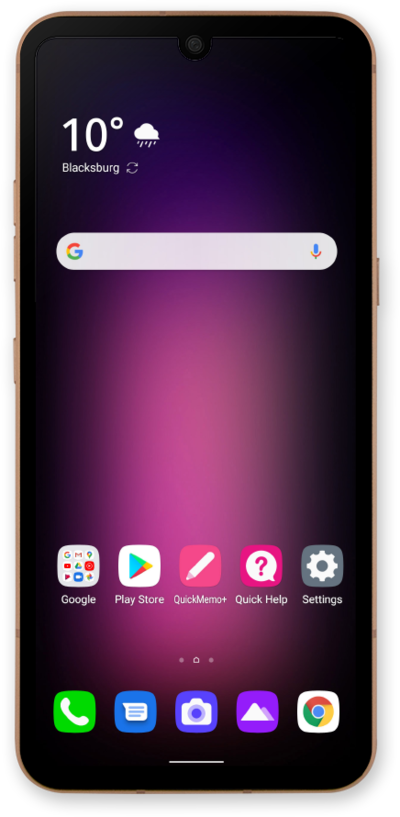
Aprende a crear o eliminar pantallas de inicio para personalizar aún más tu dispositivo. Las nuevas pantallas de inicio se pueden usar para widgets o aplicaciones. Cambia la pantalla de inicio para que se adapte mejor a tus necesidades.
1.
Desde la pantalla principal, mantén oprimida una aplicación para agregarla a una nueva pantalla principal.
2.
Arrastra la aplicación a una nueva pantalla principal.
3.
Libera la aplicación en la nueva pantalla principal para guardar tus cambios.
Para eliminar una pantalla principal, elimina todas las aplicaciones de ella.
4.
¡Completaste los pasos!
