Insertar y extraer la tarjeta Nano SIM
Insertar y extraer la tarjeta Nano SIM
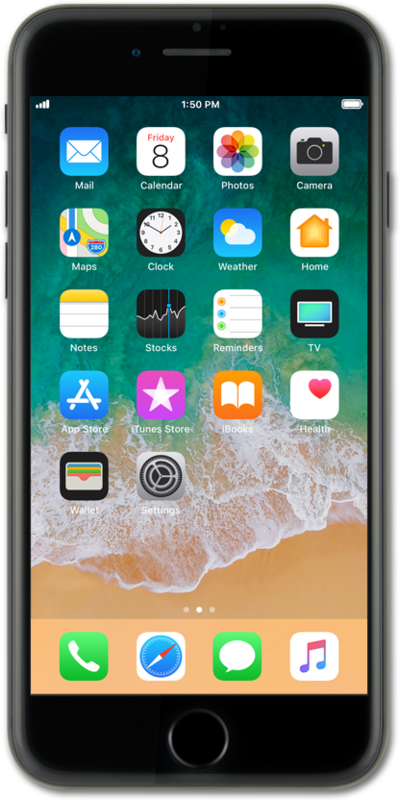
Ubica la bandeja de la tarjeta nano SIM en el lado izquierdo o derecho de tu dispositivo.
Para iPhone modelos 12 y posteriores, la bandeja sim se ubicará en el lado izquierdo de tu dispositivo. Mientras que para iPhone modelos 11 y anteriores, la bandeja sim estará ubicada en el lado derecho de tu dispositivo.
Oprime la herramienta de inserción/extracción de la tarjeta en el orificio de la bandeja para tarjeta nano SIM y empuja hasta que se libere la bandeja.
Asegúrate de insertar la herramienta directamente en el orificio del orificio y no en un ángulo. Insertar la herramienta en un ángulo puede evitar que la bandeja de la SIM se expulse correctamente.
Desliza la bandeja de la tarjeta nano SIM fuera de la ranura.
Inserta o retira la tarjeta nano SIM dentro o de la bandeja.
Al insertarla, alinea cuidadosamente el borde con muesca de la tarjeta SIM hasta la muesca de la bandeja de la tarjeta SIM. Alinear correctamente esta muesca garantizará una inserción adecuada independientemente del modelo de iPhone en uso.
Vuelve a empujar la bandeja de la tarjeta nano SIM en iPhone.
¡Completaste los pasos!
