Configurar una eSIM con una notificación automática después de la configuración del dispositivo
Galaxy S22
Configurar una eSIM con una notificación automática después de la configuración del dispositivo
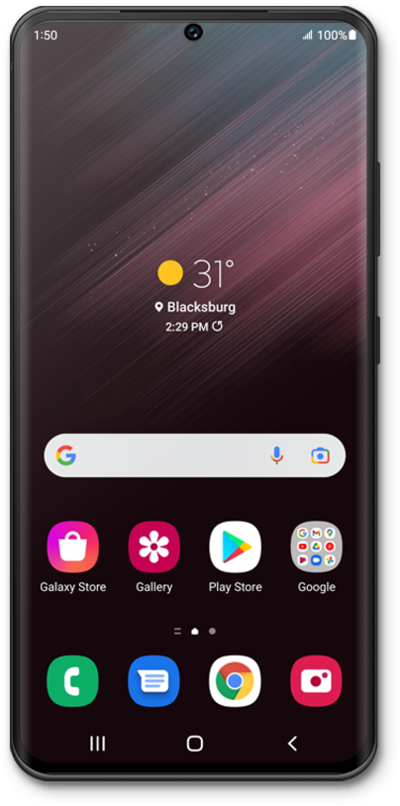
Este tutorial te guía en el proceso de configurar una eSIM en tu dispositivo usando una notificación automática enviada por tu compañía telefónica. Esta guía te muestra cómo aceptar la notificación, descargar el perfil de eSIM y activar tu servicio móvil de manera rápida y segura, sin escanear un código QR ni ingresar detalles manualmente.
1.
Desde la pantalla de inicio, arrastra hacia abajo el lado izquierdo de la pantalla para abrir el panel de notificaciones.
2.
Toca la eSIM de la compañía telefónica lista para añadir notificaciones.
3.
Toca Add.
4.
Toca la opción eSIM de la compañía telefónica.
5.
¡Completaste los pasos!
