Configurar hotspot móvil
Galaxy S25
Configurar hotspot móvil
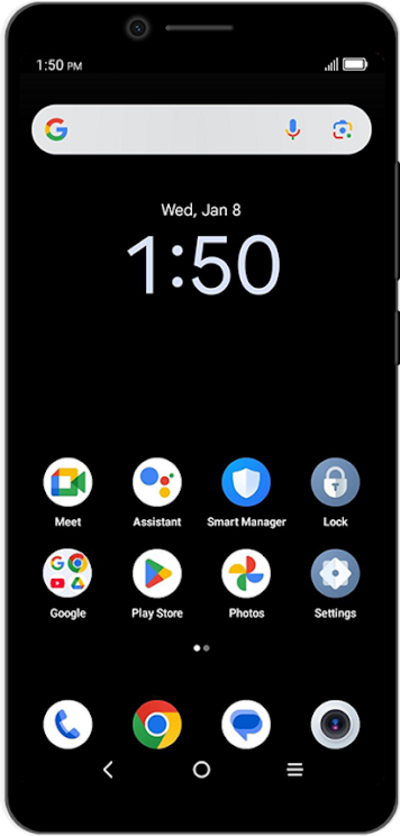
Configura tu dispositivo como hotspot móvil para que puedas compartir tu conexión de datos con otros dispositivos. Tu dispositivo creará un hotspot Wi-Fi con su conexión de datos. Otros dispositivos podrán conectarse al hotspot Wi-Fi.
1.
From the Settings app, tap Connections.
2.
Tap Mobile Hotspot and Tethering.
3.
Toca Mobile Hotspot.
4.
Toca los detalles de tu hotspot para abrir la pantalla de configuración.
The configure screen lets you choose the type of security you want. You can also find your device password here.
5.
Toca el menú desplegable Security .
6.
Select your preferred security type.
7.
Toca el campo Password .
8.
Enter your new password.
9.
Toca Save.
10.
Tap or slide the Mobile Hotspot switch to ON.
If necessary, tap OK to turn off Wi-Fi.
11.
¡Completaste los pasos!
