Cómo usar el aumento de pantalla
Cómo usar el aumento de pantalla
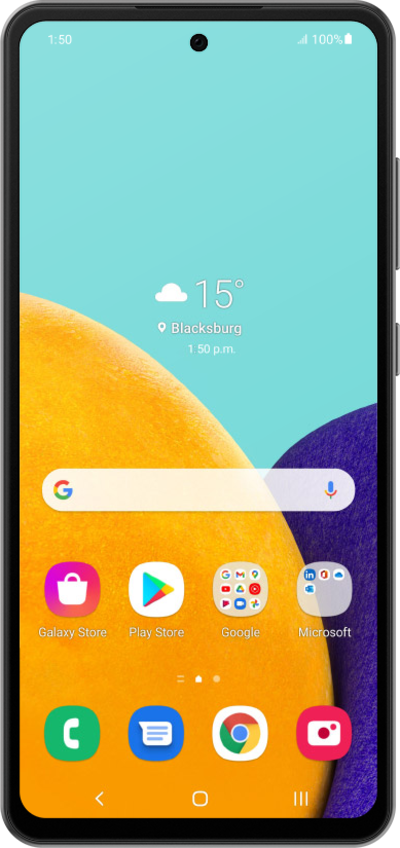
Desde la pantalla Settings, ve hasta Accessibility.
Toca Accesibilidad.
Toca Vision enhancements.
Ve hasta Magnification.
Toca Magnification.
Para este tutorial, estamos demostrando cómo usar el aumento con un triple toque. También puedes usar un botón de accesibilidad, pero los pasos pueden variar según lo que elijas.
Toca El tipo de magnificación.
Toca Full screen.
También puedes tocar Pantalla parcial para usar una ventana de lupa móvil o permitir el cambio de ambos al instante.
Toca el ícono Back .
Toca o desliza el botón de acceso directo Magnification a ON.
Toca El acceso directo Magnification.
Toca Triple-tap screen.
Toca rápidamente tres veces en una región de la pantalla que te gustaría aumentar.
Toca rápidamente la pantalla tres veces más para alejar.
¡Completaste los pasos!
