Insertar y extraer la tarjeta nano SIM
Insertar y extraer la tarjeta nano SIM
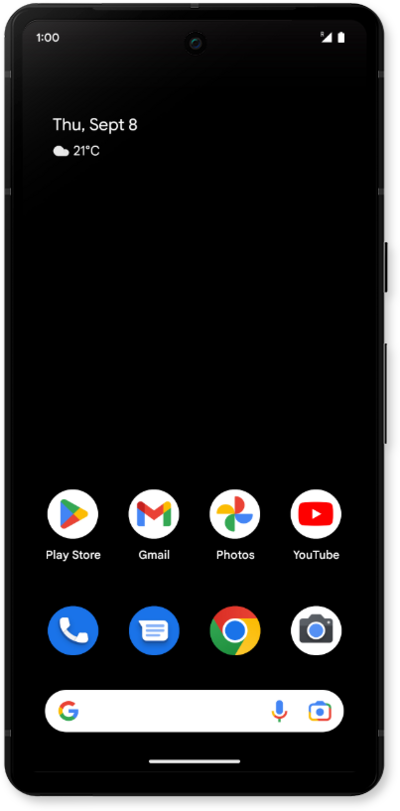
Ubica la bandeja de la tarjeta nano SIM en el lado izquierdo de tu dispositivo.
You must have a nano SIM card inserted in your phone to place calls, access the internet, download apps and share pictures over your carrier's network.
Inserta la herramienta para expulsar la tarjeta SIM o un clip para papel directamente en el orificio de la bandeja de la tarjeta SIM y empuja hasta que se libere la bandeja.
Asegúrate de insertar la herramienta directamente en el orificio y no en ángulo. Insertar la herramienta en un ángulo puede evitar que la bandeja de la SIM se expulse correctamente.
Slide the nano SIM card tray out of its slot.
Insert or remove the nano SIM card into or from the tray with the gold contacts facing the front of the phone.
A nano SIM card may already be inserted in your phone.
Vuelve a oprimir la bandeja de la tarjeta nano SIM en la ranura hasta que haga clic, asegurándote de que esté segura.
¡Completaste los pasos!
