Borrar el caché y los datos de navegación
iPad (9th generation)
Borrar el caché y los datos de navegación
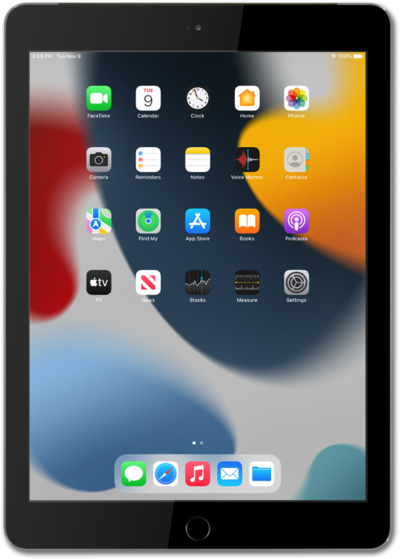
Aprende a borrar tu historial de navegación web para el navegador de tu dispositivo.
1.
Desde la aplicación Settings, desplázate y toca Apps.
2.
Desplázate y toca Safari.
3.
Desplázate y toca Clear History and Website Data.
4.
Selecciona tus preferencias, luego desplázate y toca Clear History.
5.
¡Completaste los pasos!
