Activar o desactivar el desvío de llamadas
iPhone 15 Plus
Activar o desactivar el desvío de llamadas
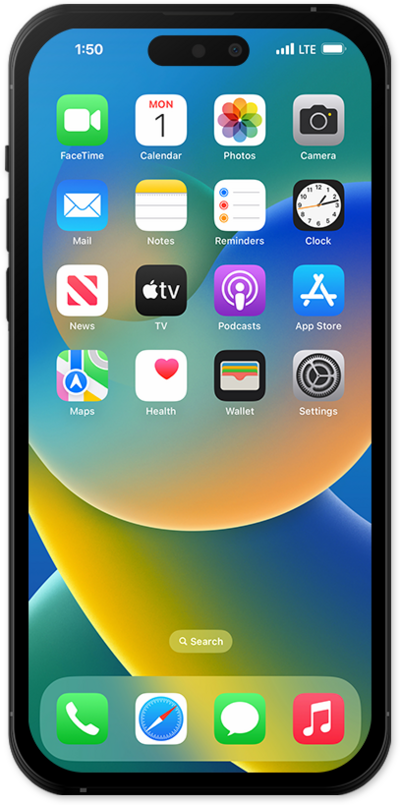
Configura el desvío de llamadas en tu dispositivo para que las llamadas entrantes se desvíen a otro número. Según tu dispositivo, es posible que puedas dirigir las llamadas de manera diferente según si tu línea está ocupada o no.
1.
Desde la aplicación Settings, desplázate y toca Apps.
2.
Desplázate y toca Phone.
3.
Toca Call Forwarding.
4.
Tap or slide the Call Forwarding switch to the ON or OFF position.
This tutorial focuses on turning Call Forwarding On. To turn it off, just toggle the same switch to the OFF position.
5.
Tap Forward To.
6.
Enter the phone number you want to forward your calls to.
7.
¡Completaste los pasos!
