Restaurar tus contactos
iPhone 15 Pro Max
Restaurar tus contactos
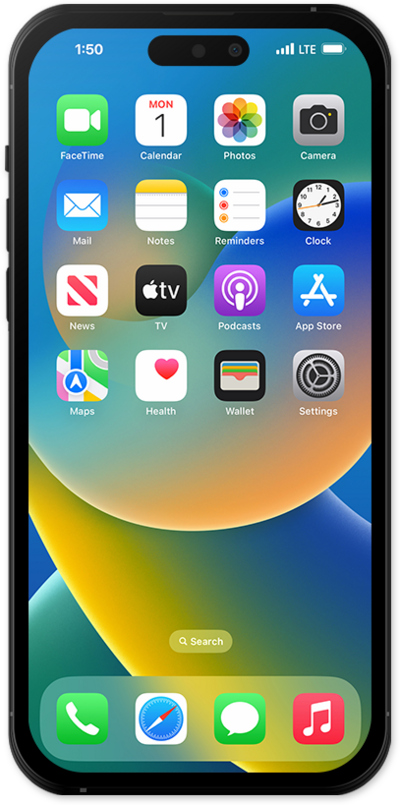
¿Perdiste tus contactos? Esta guía paso a paso para solucionar problemas ofrece instrucciones claras y de estilo manual para ayudarte a recuperar y restablecer tu lista de contactos en cualquier dispositivo de forma rápida y segura.
1.
Desde la aplicación Settings, toca tu perfil de ID de Apple .
2.
Toca iCloud.
3.
Toca See All en "Saved to iCloud".
4.
Desplázate y toca o desliza el interruptor Contacts to OFF.
El código personal de tiempo de pantalla debe estar desactivado para desactivar la sincronización de iCloud Contacts.
5.
Toca Keep on My iPhone.
6.
Después de esperar 10 segundos, toca o desliza el botón Contacts para activar.
7.
Toca Merge.
Si el contacto aún existe en el servicio cloud de Apple, volverá a aparecer en tu aplicación en segundos.
8.
¡Completaste los pasos!
