Cambiar el código personal y el identificador de llamadas de tu cuenta para tus cuentas de servicio móvil o internet
iPhone 13
Cambiar el código personal y el identificador de llamadas de tu cuenta para tus cuentas de servicio móvil o internet
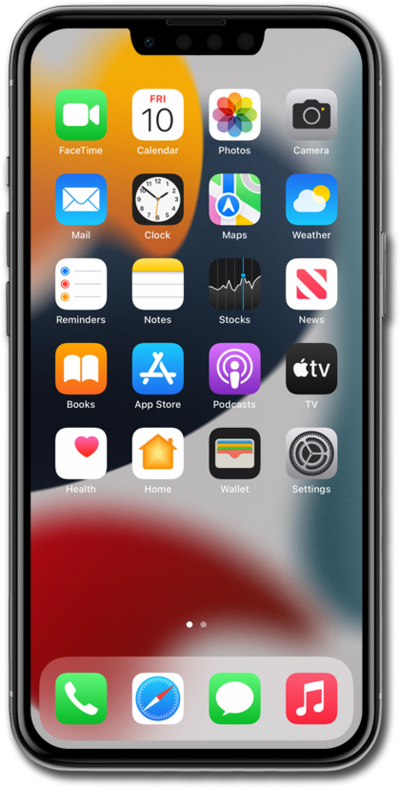
Aprende a cambiar el PIN de tu cuenta si crees que tu cuenta puede haber sido comprometida. Los usuarios deberán conocer el PIN para realizar ciertas acciones en tu cuenta.
1.
From the Home tab, tap the Account icon.
2.
Toca el ícono Settings.
To switch between accounts, tap either Wireless or Internet.
3.
Tap Manage or remove account.
4.
Toca Settings.
5.
From this screen, you can perform various actions:
- Caller ID - You can edit how your caller ID appears to others.
- Passcode - You can edit your current passcode to the account.
6.
¡Completaste los pasos!
