Adjuntar un archivo a un texto
Phoenix 5
Adjuntar un archivo a un texto
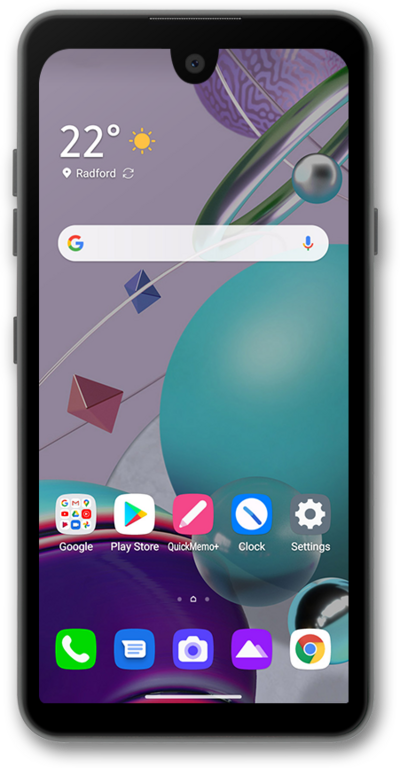
Al añadir un archivo, como una foto o un video, convertirás tu mensaje SMS en un mensaje MMS (mensaje de texto multimedia). Puedes enviar un mensaje de texto multimedia a una persona o a un grupo.
1.
Desde un mensaje compuesto, toca el ícono Camera and Gallery .
2.
Toca Gallery.
3.
Selecciona una imagen.
4.
Una vez que hayas seleccionado, toca Add.
5.
Toca el ícono Send .
6.
¡Completaste los pasos!
