Activar el hotspot personal
iPhone SE (1st generation)
Activar el hotspot personal
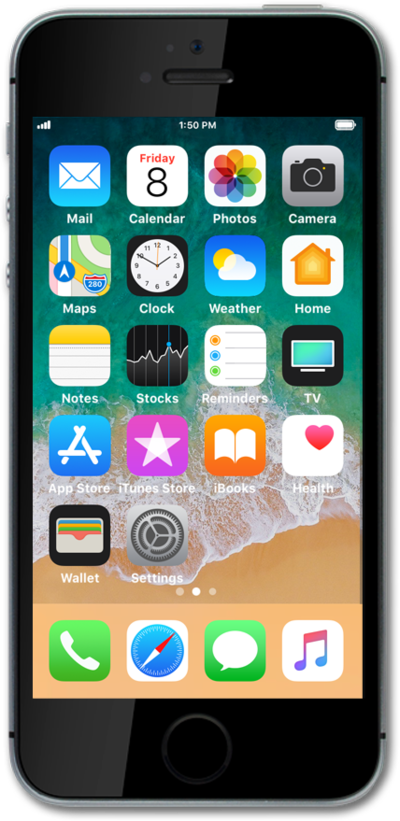
Habilitar el hotspot personal en tu dispositivo te permite compartir tu conexión móvil con otros dispositivos a través de Wi-Fi. Sigue este tutorial para aprender a habilitar tu hotspot personal.
1.
Desde la pantalla de inicio, toca Settings.
2.
Toca Personal Hotspot.
3.
Toca o desliza el botón Allow Others to Join a ON.
Debido al uso de energía, te recomendamos conectar tu dispositivo mientras usas el hotspot personal.
4.
¡Completaste los pasos!
