Añadir miniaplicaciones.
iPhone 6S Plus
Añadir miniaplicaciones.
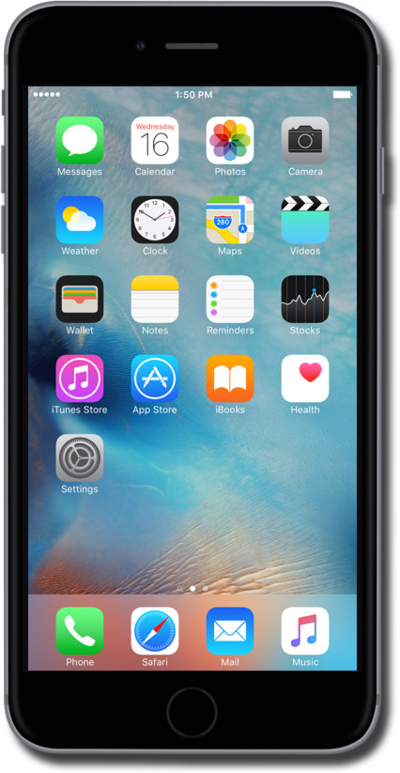
Los widgets te permiten hacer cosas como previsualizar los próximos eventos, ver correos electrónicos recientes y obtener acceso rápido a tus contactos favoritos. Los widgets también se conocen como módulos y te ayudan a mantener información importante en la punta de tus dedos.
1.
Desde la pantalla principal, deslízate de izquierda a derecha para tener acceso al panel de miniaplicaciones.
Para este tutorial, estamos eligiendo añadir una miniaplicación en el panel de widgets. Puedes elegir añadir una miniaplicación en cualquier panel de la pantalla principal, sin embargo, los pasos pueden variar.
2.
Mantén oprimido un espacio vacío en la pantalla.
3.
Toca el ícono Add widget .
4.
Selecciona la miniaplicación que te gustaría añadir.
5.
Desplázate para elegir un tamaño de miniaplicación.
Algunos widgets pueden tener varios tamaños.
6.
Toca Add widget.
7.
Oprime el botón Home.
8.
¡Completaste los pasos!
