Añadir una foto a un contacto
X power3
Añadir una foto a un contacto
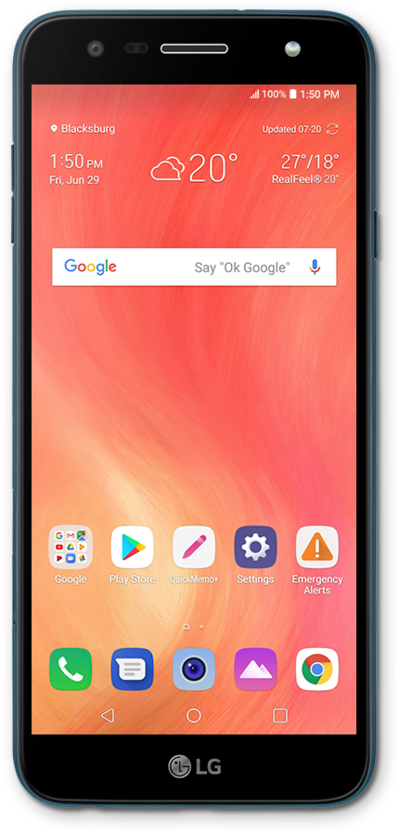
Configura fotos en los contactos de tu dispositivo para que sea más fácil saber de quién es un mensaje de texto, correo electrónico o llamada telefónica de un vistazo.
1.
Desde la pantalla principal de la aplicación Contacts, selecciona el contacto al que quieres añadir una foto.
2.
Toca el ícono Edit .
3.
Toca el ícono Photo .
4.
Toca Select photo.
5.
Selecciona una foto.
6.
Arrastra los bordes grises para recortar según lo desees.
7.
Toca OK.
8.
Toca SAVE.
9.
¡Completaste los pasos!
