Usar círculo para buscar
Galaxy Z Fold5
Usar círculo para buscar
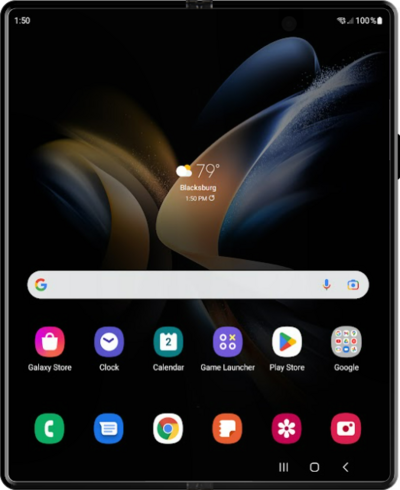
Circle to Search te permite encontrar un objeto de una imagen con solo usar tu dedo o lápiz óptico. Circle to Search también funciona en texto y requiere que garabatees o dibujes sobre el texto deseado.
1.
Desde la aplicación Settings, toca Display.
2.
Ve hasta la barra de navegación.
3.
Toca la barra de navegación.
4.
Toca o desliza el botón Circle to Search a On.
5.
Toca el botón Home.
6.
Toca el ícono Camera.
7.
Apunta la cámara hacia lo que te gustaría buscar.
8.
Mantén oprimido el ícono Home .
9.
Dibuja un círculo alrededor de lo que te gustaría buscar.
También hay una función de toque que colocará un cuadro de recorte alrededor del área aproximada que tocaste.
10.
Desplázate hacia arriba en tu dispositivo para ver los resultados de búsqueda.
También puedes usar esta función para texto y puedes circular el texto existente o escribir tu propio texto para buscar.
11.
¡Completaste los pasos!
