Usar Instant Slow-Mo
Galaxy Z Fold5
Usar Instant Slow-Mo
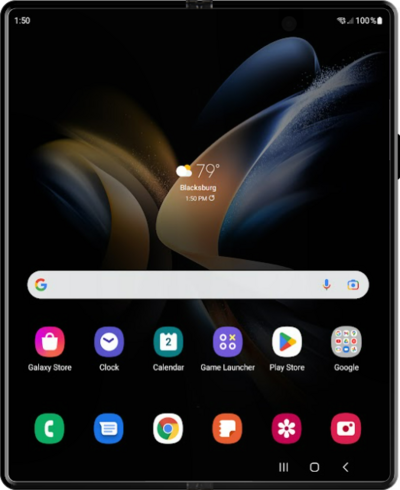
Instant Slow-Mo te permite reducir la velocidad de ciertos videos con tu dedo para poder verlos en cámara lenta.
1.
Desde la pantalla de inicio, toca el ícono Gallery .
2.
Selecciona un video.
En esta vista, puedes mantener oprimido el video para que el video pase a Slow-Mo.
3.
Toca el ícono Edit .
4.
Toca el ícono Adjust speed .
Tienes la opción de seleccionar velocidades de 1/4x, 1/2x, 1x y 2x.
5.
Selecciona una velocidad.
6.
Toca y arrastra la barra izquierda hasta tu punto de inicio preferido para el cambio de velocidad.
7.
Toca y arrastra la barra derecha hasta tu punto final preferido para el cambio de velocidad.
Guardar se guardará sobre el original, pero puedes volver al original, incluso después de guardarlo, o puedes guardar una nueva copia del video para no perder la grabación original.
8.
Toca el ícono Menu.
9.
Toca Save copy.
10.
¡Completaste los pasos!
