Access web manager
Access web manager

Learn how to access Web manager.
-
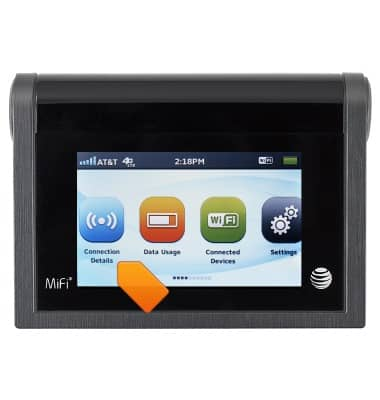
From the home screen, tap Connection Details.
-
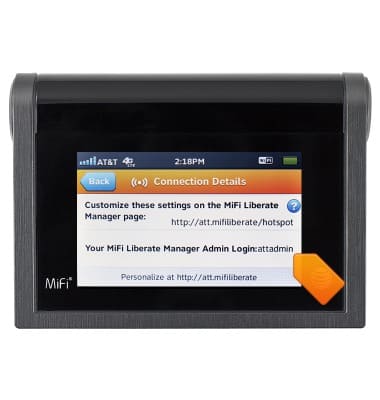
Scroll down, and note the password displayed after Your MiFi Liberate Manager Admin Login.
-
To access the MiFi Liberate Manager, open a web browser and enter the following into the address bar: att.mifiliberate/preferences
Note: You must be connected to the MiFi Liberate in order to reach the MiFi Liberate Manager.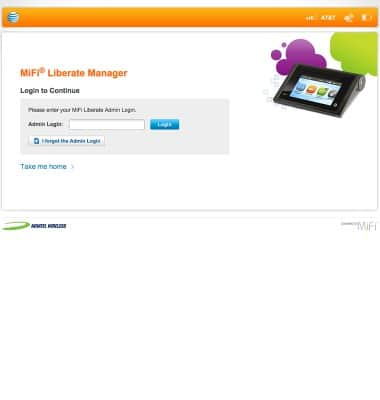
-
Enter the Admin Login information, then click Login.
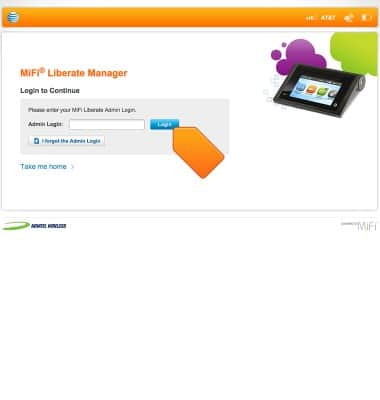
-
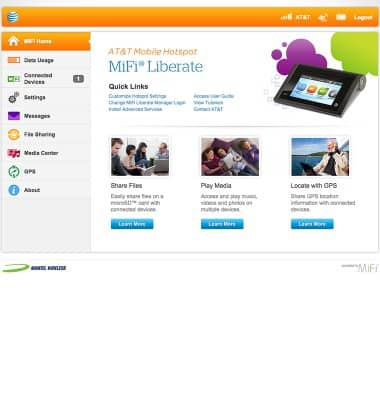
The MiFi Liberate manager will be ready for use.