Connect a Phone
Connect a Phone

This article describes how to connect existing phones to the AT&T Wireless Home Phone.
-
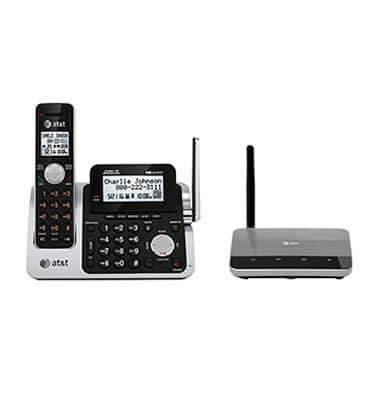
To place phones throughout your home, you should use a cordless phone system with multiple handsets. A standard corded phone can be used if you just need one phone in your home.

-
Unplug the phone you would like to connect to the AT&T Wireless Home Phone from its wall jack.
-
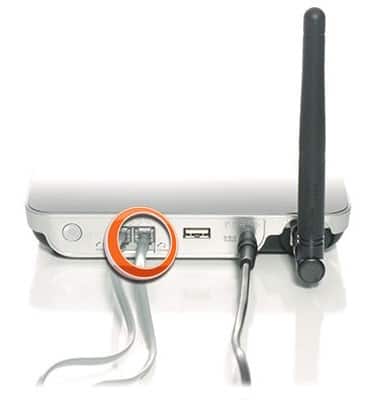
Plug the phone into the Phone 1 port on the back of the Wireless Home Phone Base, using either your current phone cable or the provided phone cable.
Note: If using a cordless phone, keep it plugged into an electrical wall outlet.
Do not plug the Wireless Home Phone Base into a phone wall jack.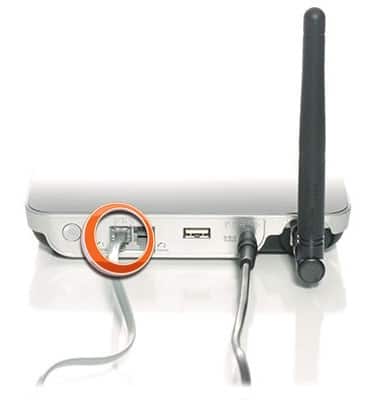
-
The Phone 2 port can be used to connect an answering machine or additional phone. The Phone 1 and Phone 2 ports use the same phone number.