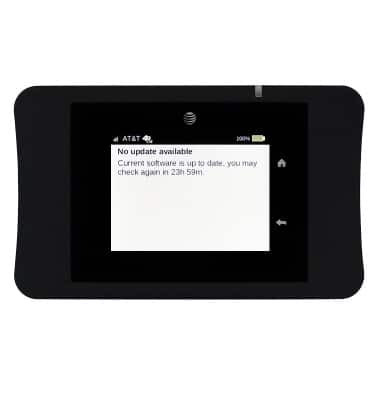
View device software version
View device software version

This article describes how to find the software and firmware version.
-
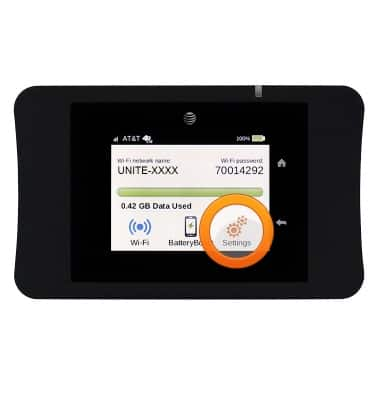
From the home screen, tap Settings.
-
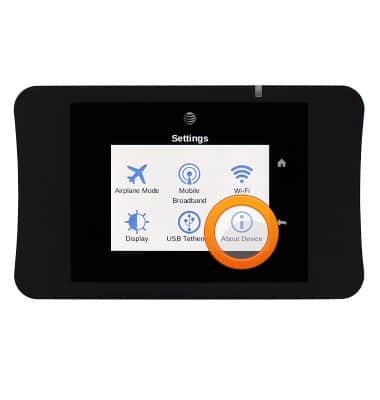
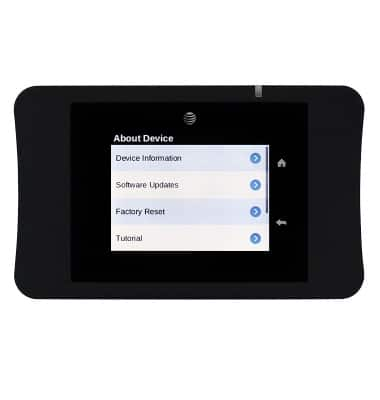
Tap About Device.
-
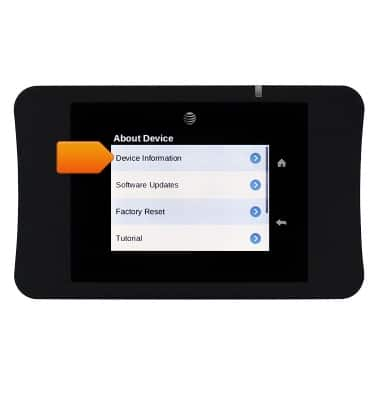
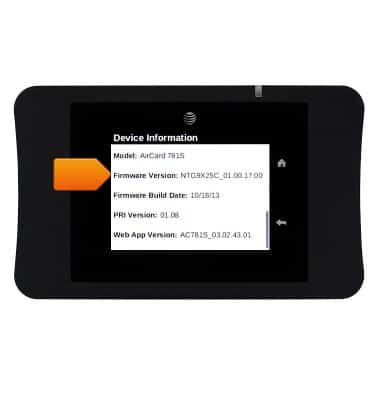
Tap Device Information.
-
Scroll to Firmware Version to view the current firmware version.
-
To check for updates, from the About screen, tap Software Updates.
-
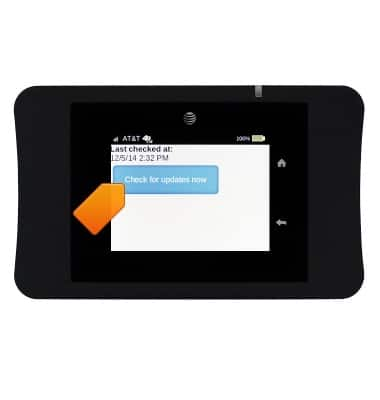
Tap Check for updates now.
-
If an update is available, follow the on-screen prompts to update the device.