Wi-Fi network name & password
Wi-Fi network name & password

This article describes how to change the network name.
-
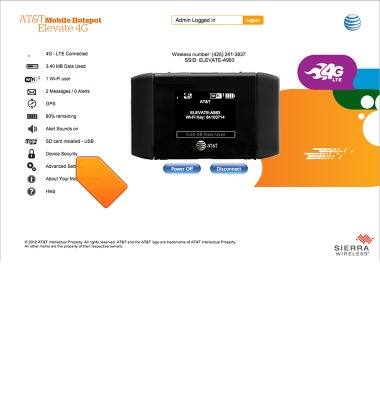
From the Elevate Manager, click Device Security.
-
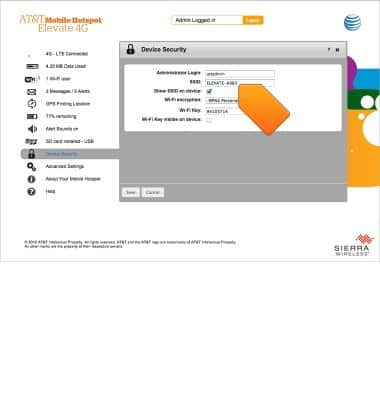
Click the SSID field, then enter the desired network name. To change the password click the Wi-Fi Key field and enter the desired password.
-
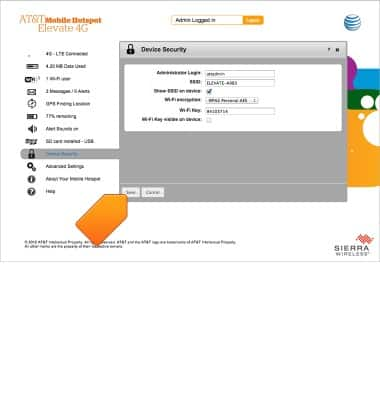
Click Save.