Cambiar la pantalla de inicio predeterminada
V60 ThinQ 5G Dual Screen
Cambiar la pantalla de inicio predeterminada
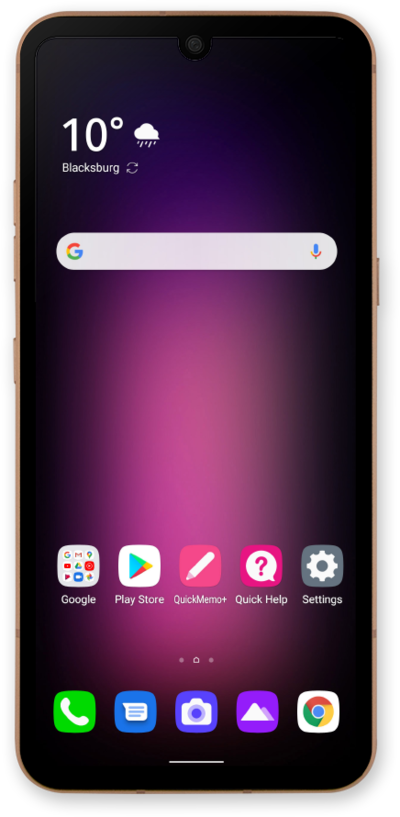
Puedes cambiar la pantalla principal predeterminada de tu dispositivo. Tu pantalla de inicio predeterminada es la pantalla principal que carga tu dispositivo cuando se enciende por primera vez o cuando oprimes el botón Home mientras estás en la pantalla de inicio.
1.
From the Home screen, touch and hold an empty space.
2.
Swipe to the screen you'd like to mark as the new default Home screen.
3.
Tap the Default home icon.
4.
Swipe up from the bottom of the screen to save your changes.
5.
¡Completaste los pasos!
