Configurar tu eSIM
Edge Plus 2023
Configurar tu eSIM
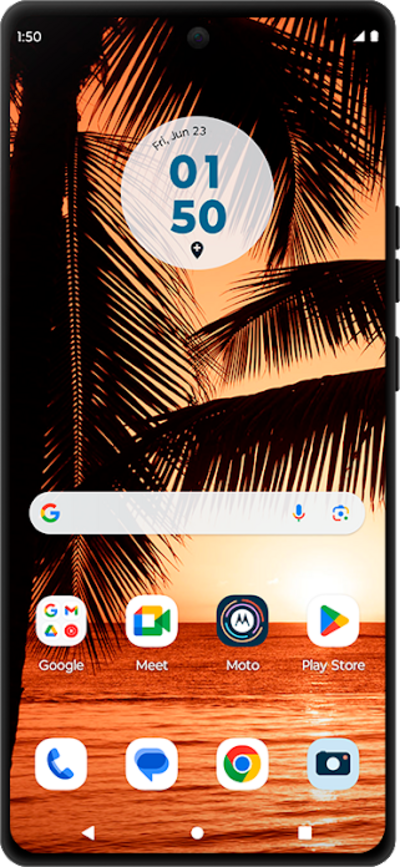
Una guía de todas las formas diferentes en que puedes configurar una eSIM en tu dispositivo.
1.
Desde la aplicación Settings, toca Network & internet.
2.
Tap SIMs & mobile network
3.
Toca Download new SIM.
4.
Toca Set up an eSIM.
Es posible que veas una pantalla ligeramente diferente si tu teléfono ya está usando una eSIM.
5.
Toca Set up.
6.
¡Completaste los pasos!
