Configurar un teléfono nuevo manualmente
Configurar un teléfono nuevo manualmente
Tap the arrow icon.
You can also tap the Accessibility option to change your accessibility settings.
Select your preferred language.
Toca Skip
You can also set up using another device by select your device model.
Selecciona tu red Wi-Fi, ingresa su contraseña y toca Connect.
You can also choose to set up your phone offline.
Select who you will be setting up the device for.
Ingresa la información de tu cuenta De Google y toca Next.
Sigue las indicaciones en pantalla para aceptar cualquier servicio de Google.
Enter and confirm your PIN number, then tap Confirm.
Toca No thanks.
For this tutorial, we're skipping fingerprint setup, but we recommend using this or Face Unlock to increase the security of your device.
Toca No thanks.
On this screen, you can choose to set up Face Unlock.
Tap Do it later.
También puedes transferir aplicaciones y datos desde tu teléfono anterior.
Toca Accept.
Toca Don't back up.
Para este tutorial, omitiremos la configuración de la copia de seguridad de Google, pero recomendamos hacer una copia de seguridad de tus datos.
Toca I accept.
Toca No thanks.
Tap No thanks again.
Toca Next.
Toca I agree.
Toca Next.
Toca Next.
Tap Maybe later.
From this screen, you can set up another email account, get instant translations, and more.
Toca Skip.
From this screen, you can learn how to use your device using swipe gestures.
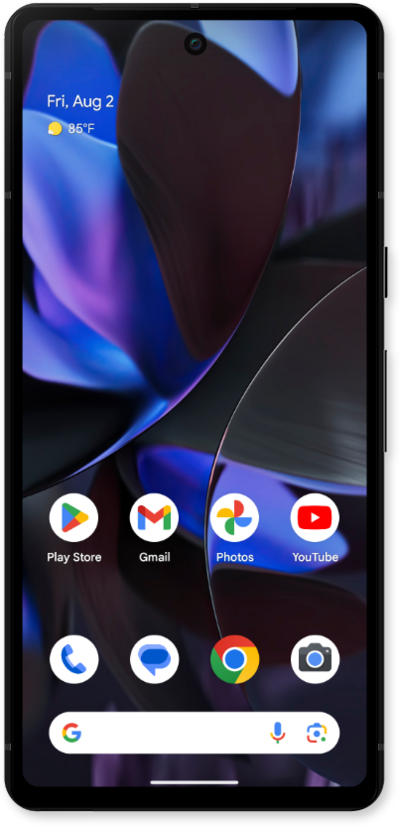
¡Completaste los pasos!
