Configurar el correo de voz
Pixel 7a
Configurar el correo de voz
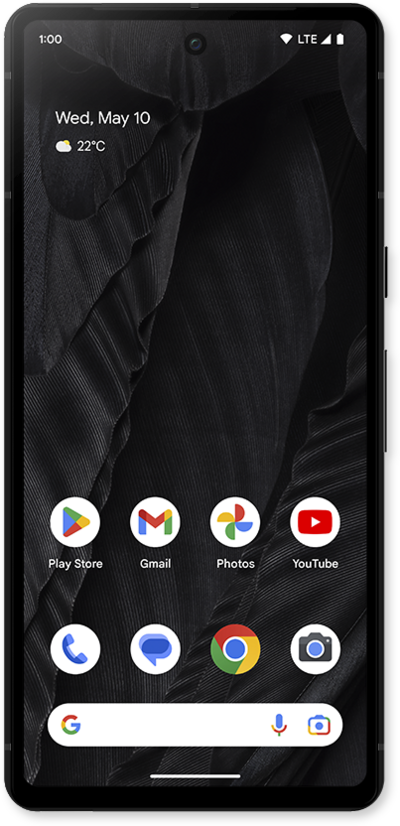
Aprende a configurar el correo de voz para que puedas almacenar los mensajes de las llamadas que perdiste. Si el ícono de tu correo de voz no aparece, intenta reiniciar tu teléfono.
1.
Mientras estás en la aplicación Phone, un método para configurar el correo de voz es llamando a tu bandeja de entrada del correo de voz. To try this, tap the keypad.
2.
Press and hold the 1 key on the dial pad and follow along with the menu prompts to complete setting up your voicemail.
También puedes marcar tu propio número de teléfono para llamar a tu correo de voz.
3.
Another method to setup your voicemail in the Phone app is in settings. While in the app, tap the Sidebar icon.
4.
Toca Settings.
5.
Scroll to and tap Voicemail.
6.
Toca o desliza el botón Visual Voicemail a ON.
7.
Toca Advanced Settings.
8.
Toca Setup.
9.
Tap Voicemail number to verify it's correct, or enter it if the field is blank.
10.
¡Completaste los pasos!
