Personalizar y añadir atajos a tu pantalla de bloqueo.
Motivate Pro 2 5G
Personalizar y añadir atajos a tu pantalla de bloqueo.
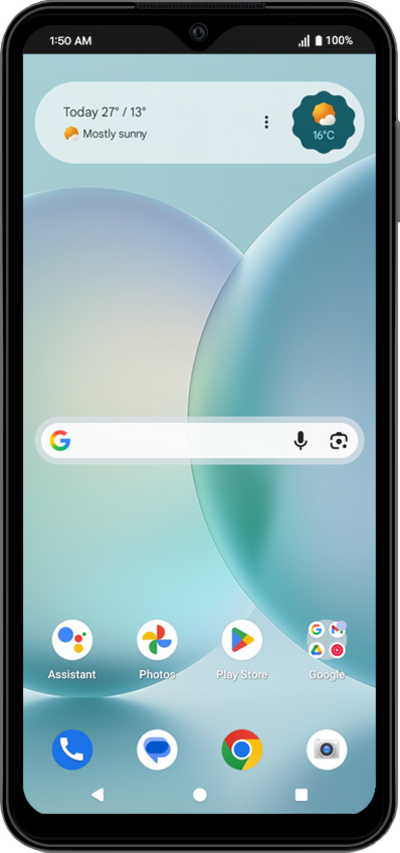
Puedes personalizar diferentes elementos de tu pantalla de bloqueo para personalizar tu experiencia.
1.
From within the Settings app, scroll to and tap Wallpaper & style.
2.
Tap to choose a color theme you’d like to use.
Additional wallpaper customization options are available, such as changing the clock color and size, or adding a wallpaper. Feel free to explore and make changes as you like.
3.
Scroll to and tap More lock screen options.
4.
Toca Shortcuts.
From this screen you can customize settings on your lock screen.
5.
Select Left or Right shortcut and choose your preferred action.
6.
¡Completaste los pasos!
