Restablecer la contraseña de tu ID de Apple
iPhone 17
Restablecer la contraseña de tu ID de Apple
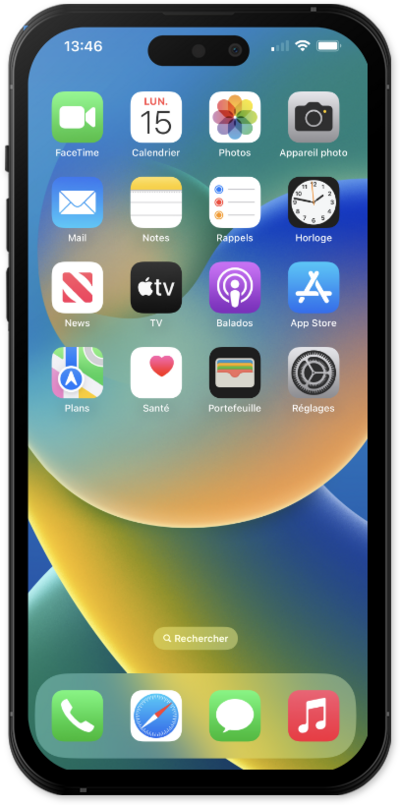
Sigue para aprender cómo restablecer tu contraseña si la olvidaste.
1.
From your Apple ID sign in screen, tap Forgot your password?.
You may access this screen from a number of places on your device. For this tutorial we are accessing it from Settings while trying to sign into your Apple profile.
2.
Enter your email or phone number and tap Continue.
3.
Enter your trusted phone number and tap Continue.
4.
Enter the verification code sent via text to your trusted number.
After this step, a reset will be requested through Apple Support. Updates on when you can finish resetting your password will be sent to the email associated with your Apple ID.
5.
¡Completaste los pasos!
