Usar contenido hablado para leer el texto seleccionado o lo que hay en toda la pantalla de tu dispositivo
Usar contenido hablado para leer el texto seleccionado o lo que hay en toda la pantalla de tu dispositivo
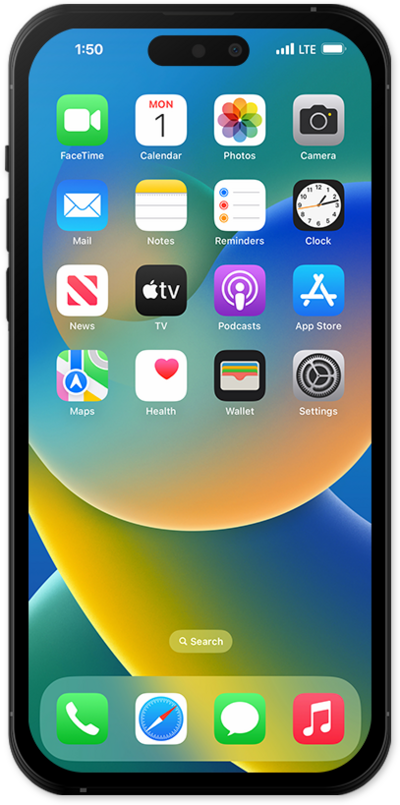
From within the Settings app, scroll to and tap Accessibility.
Tap Read & Speak.
Tap Speak Selection to manage its settings.
From this screen, tap or slide the Speak Selection switch to ON, then tap the Back icon to save your changes.
Tap Speak Screen to manage its settings.
From this screen, tap or slide the Speak Screen switch to ON, then tap the Back icon to save your changes.
To use Speak Selection, touch and hold the text you would like your device to read out loud.
You may also need to double-tap on the text to select it, and then adjust the selection criteria.
Select Speak.
Your device will begin dictating the selected text.
To use Speak Screen, swipe down with two fingers from the top of the screen.
Your device will begin dictating the content you see on your screen.
¡Completaste los pasos!
